At a corporate event, an AI dance video station is a QR code rather than a booth. Guests scan it, take or upload one photo, pick a dance from a template library and get a short video of themselves on their own phone a few minutes later. SnapDance Events is priced per video, starting at $149 for 25 videos. It needs decent venue connectivity and works best when someone actually tells guests it exists.
What the station actually is
An AI dance video station is not a booth. At a corporate event it is usually a QR code on a sign, a table card or a presentation slide, plus an optional screen. Guests scan the code with their own phone, take or upload one photo, choose a dance, and receive a short video of themselves doing it. SnapDance makes the events product this guide describes, so read the limits below as carefully as the benefits.
The dances come from a library of templates based on real choreography, many of it from TikTok creators. The AI renders the guest into the chosen dance. The output is typically 10 seconds, with 20 and 30 second lengths on some dances. Rendering takes a few minutes, so the video reaches the guest after they have gone back to their drink, not while they stand at a table waiting.
There is no hardware, no transport and no operator. That is the main practical difference from a conventional photo booth, and it is also the source of the main risk: nobody is standing there to explain it. SnapDance does not put a person at your event, so the explaining becomes part of your plan.
The guest flow, from QR code to finished video
Here is what a guest does, in order.
- Scan the QR code. It opens on the guest's own phone, so nobody needs to borrow a device or queue for a shared one.
- Take or upload one photo. One photo of themselves is all the process needs. Photos go through a moderation check before rendering.
- Pick a dance. The guest chooses from the library of templates.
- Wait a few minutes. The AI renders the clip. This is not instant, and it is worth telling people so they do not stand and stare at the screen.
- Receive the video on their phone. If the planner has set a logo and text, those appear on every video.
The step corporate planners should look at hardest is the third one. The library is fixed. A guest cannot ask for an arbitrary movement, and if a dance is not in the library, the answer is no. That means you cannot commission a custom routine for your sales kickoff, and you cannot promise that a particular dance will be there. Browse the library before the event and decide whether the choices suit your audience and your company culture. A leadership offsite and a summer party will not want the same range.
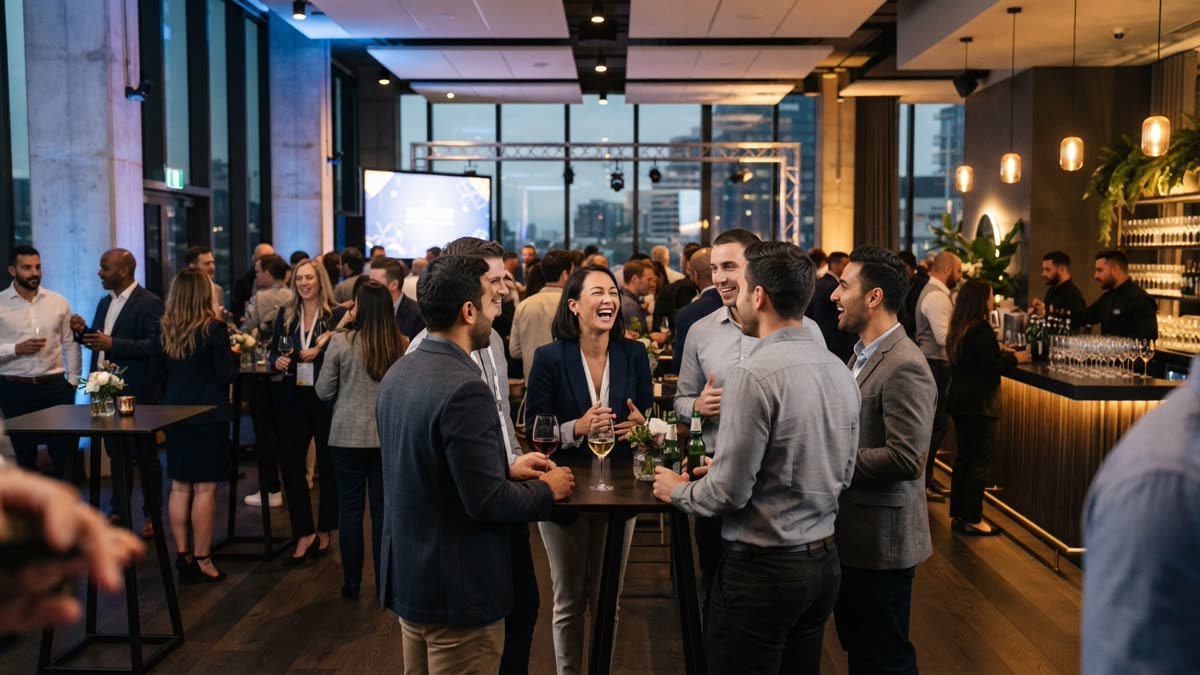
Because rendering takes a few minutes, the experience is asynchronous. Guests scan, choose, and carry on with the event. That suits a networking reception or a break area, where people drift in and out. It suits a seated dinner less well, unless you tell people at the start so they can scan during the courses.
What the venue screen, surprise mode and branding add
Three features change how the station feels at a company event.
The venue screen
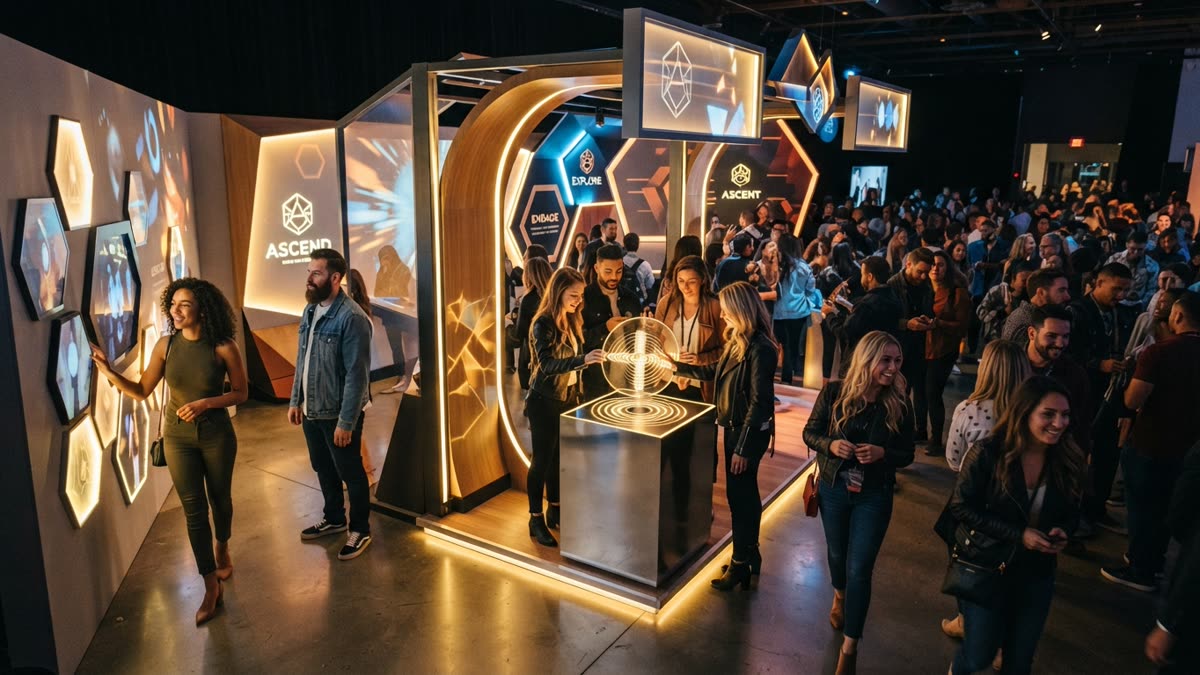
A venue screen can play the videos as they finish. In a lobby, a coffee area or a reception room, this does two jobs. It shows guests what the station produces, which helps with the awareness problem covered below, and it gives the room something to watch and laugh at. It only shows videos that have finished rendering, so it starts quiet and fills up as guests take part.
Surprise mode
Surprise mode lets staff photograph attendees for a coordinated reveal. Guests do not need to scan anything. A team member takes the photos, the videos render, and the reveal happens together, for example at the end of a session or during an awards segment. This is the right mode for a moment you want to stage, and the wrong one if you want guests to participate on their own time.
Your logo and text
The planner's logo and text can be placed on every video. For a brand activation or a company event this matters, because every clip a guest shares carries your identity. SnapDance recommends checking the events page for how branding is set up before you commit, rather than assuming a layout.
Moderation deserves a mention here as well. Photos go through a moderation check before rendering, which is sensible when strangers, colleagues and clients are all uploading images at a company function. It is a check, not a guarantee about taste, so the guidance you give guests still matters.
What it costs and how to size it
The events product is priced per video, not per hour. A long reception with light use and a short one with heavy use are priced by the same measure: how many videos get made. These are the published packages.
| Package | Price | Videos included | Notes |
|---|---|---|---|
| Mini Event | $149 | 25 | Suits a small team gathering |
| Intimate Event | $299 | 50 | Suits a department or a client evening |
| Signature Event | $699 | 150 | $4.66 per video |
| Large Events & Activations | Custom quote | Agreed with you | For conferences and brand activations |
Extra video packs exist, but they are not priced publicly, so I will not guess at a figure. If you think you may run past your package, ask before the event rather than on the night.
Sizing is the part people get wrong. The package counts videos, not guests. One guest who makes three videos uses three. I also will not quote a participation rate, because it varies with the event, the room and how well the station is announced. A reasonable approach is to choose a package for the number of people you expect to take part, not the number who will be in the building, and to ask about headroom if your audience is the type that will keep going back for more.

Before: one guest photo
After: the video made from that photo
How it compares with a staffed photo booth
The honest comparison is with a photo booth or similar activation, because that is the budget line it usually replaces or sits beside. The right-hand column describes staffed booths in general, which vary a lot by vendor.
| Question | AI dance station (SnapDance Events) | Staffed photo booth (typical) |
|---|---|---|
| What arrives at the venue | A QR code and an optional screen | A physical unit and usually an attendant |
| Who explains it to guests | Nobody, unless you arrange it | The operator, usually |
| What guests get | A video of themselves doing a library dance, on their phone | Varies by vendor |
| How long guests wait | A few minutes for rendering | Varies by vendor |
| What it depends on | Venue connectivity | Floor space and power |
| Pricing basis | Per video | Often by the hour, so check your vendor |
Neither is simply better. A staffed booth gives you a person who can coax a shy room into joining in. The AI station gives you no logistics and a result that is more of a novelty than a keepsake photo. Photo booth operators and DJs are among the people the events product is built for, so the two are not always rivals. Some planners will want the booth for portraits and the QR station for something people can share on their phones.
Where it goes wrong on the night
Two problems account for most of the disappointment, and one of them has nothing to do with the technology.
Bad connectivity
Guests upload photos and receive videos over the network, so the station depends on venue connectivity. A venue with bad reception is a bad fit. Conference centres, hotel basements and ballrooms with thick walls are the usual suspects. Test the signal in the actual room, standing where guests will stand, before you book. If the test is poor and the venue cannot fix it, choose something else.
Nobody announces it
The other failure is silence. A QR code on a table card is easy to ignore, and with no operator there is nobody to say hello. Assign a person to mention it, put it on a slide, ask the host or MC to name it once or twice, and put the screen where people will see it. Stations that nobody mentions tend to sit unused, and the cost per video then looks poor because few videos were made.
When it is the wrong purchase
Do not buy this if the venue has weak reception, if you need an attendant on site, if you want custom choreography that is not in the library, or if your event does not allow guests to use their phones. SnapDance cannot fix any of those, and a plain photo booth or a live entertainer may serve you better.
A planning checklist for corporate teams
Run through these in order before you commit.
- Test connectivity in the room. Do it at a similar time of day to the event, if you can.
- Browse the dance library. Decide whether the templates suit your audience.
- Choose where the QR code and screen go. Think about where people queue, wait or gather.
- Name someone to announce it. Give them the exact wording and the moments to say it.
- Prepare your logo and text. Both can be placed on every video.
- Pick a package. Start from the number of videos you expect, and ask about extra packs if you might exceed it.
- Tell guests how their photos are used. A line on the invitation or a slide is enough, and it is good practice at a company event.
To see what a guest sees, make one yourself. The consumer version works the same way: you upload one photo, pick a dance, optionally pick music, and the AI renders a clip. New accounts get free credits before any payment. Free renders carry a small watermark, which applies to the consumer app, while paid credits and a subscription render clean.
If the flow suits your event, the events page lists the packages, surprise mode and branding options for planners, DJs, photo booth operators and venues.
For packages, surprise mode and branding details, see the events product.
Questions people ask
How does an AI dance video station work at a corporate event?
Guests scan a QR code with their own phone, take or upload one photo, pick a dance from a library of templates and get a short video of themselves a few minutes later. A venue screen can play finished videos, and the planner's logo and text can appear on every video. There is no hardware and no operator.
How much does an AI dance video booth cost for a company event?
SnapDance Events is priced per video, not per hour. The published packages are Mini Event at $149 for 25 videos, Intimate Event at $299 for 50 and Signature Event at $699 for 150, which is $4.66 per video. Large Events and Activations is a custom quote. Extra video packs exist but are not priced publicly.
What happens if the venue has bad wifi or phone reception?
The station depends on venue connectivity, so poor reception is the main reason it fails. Guests need to upload a photo and receive a video on their phone. If you cannot test the signal in the room and get a good result, this is the wrong choice for that venue.
Can guests ask for any dance they want?
No. Guests choose from a library of dance templates taken from real choreography. They cannot request an arbitrary movement, and if a dance is not in the library the answer is no. Check the library in advance to make sure it suits your audience.
Can I put my company logo on the dance videos?
Yes. The planner's logo and text can be placed on every video. Check the events page for how branding is set up before you book.
Do I need staff at the station?
No operator is required, which is the point of the product. The catch is that nobody explains it to guests unless you arrange it, so assign someone to announce it, put it on a slide or have the host mention it.