AI dance videos turn one photo of each guest into a short clip of them doing a dance from a fixed library. They suit parties with idle stretches where everyone has a phone, and they fail when venue reception is weak or nobody tells guests about them. For small gatherings, the consumer app gives new accounts free credits, with a small watermark on free renders. For a larger room, per-video event packages start at $149 for 25 videos.
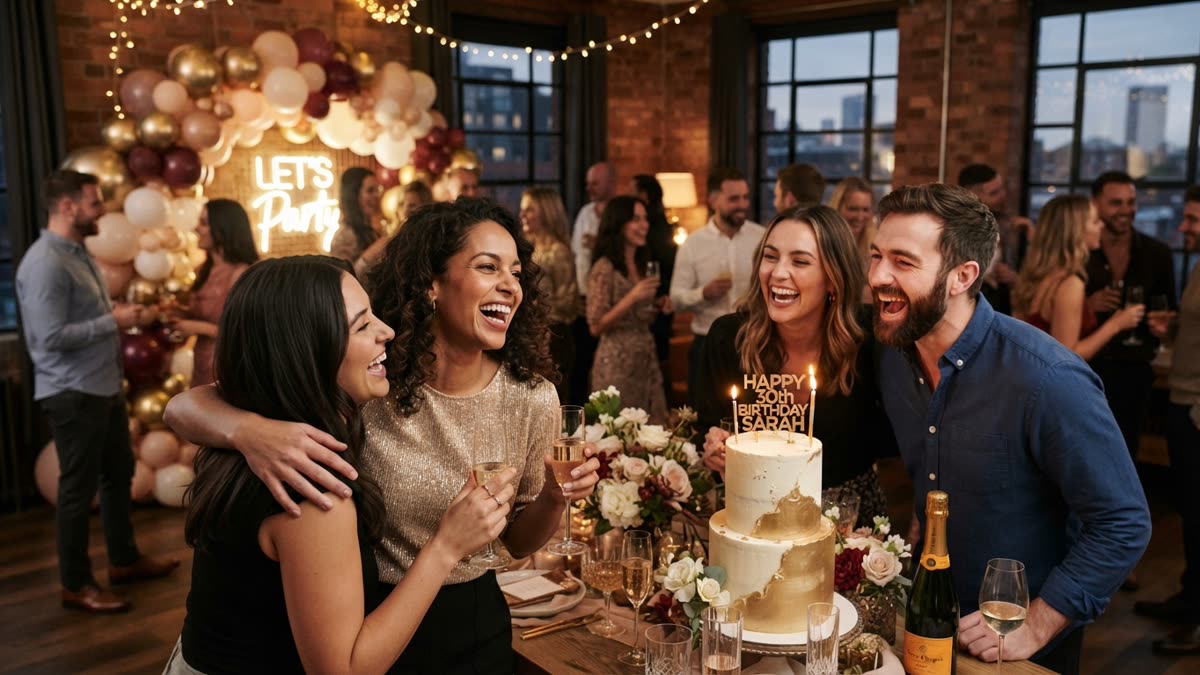
What AI entertainment means at a Christmas party
Most party entertainment is something guests watch: a playlist, a quiz host, a band. The AI entertainment covered in this guide is something guests take part in. Each person supplies one photo of themselves, picks a dance, and a few minutes later has a short video of themselves performing it.
SnapDance makes the products discussed here, so read this as a guide from the vendor, with the limits stated up front. The SnapDance app takes a single photo and renders a clip of that person doing a dance from a library of templates, many of them taken from real choreography by TikTok creators. It does not generate arbitrary movement. If the dance you want is not in the library, the answer is no.
That narrowness helps with planning. You are not commissioning something open ended. You are offering guests a menu of dances and a short wait. The clips are typically 10 seconds long, with 20 and 30 second lengths on some dances. A clip that short is made to be passed around a group chat, not sat through like a performance.
Why it can make a party livelier
The appeal is simple. Seeing yourself, a colleague or an uncle apparently performing a routine none of you would attempt in public is funny, and funny things get shown to whoever is standing nearby. That is the real mechanism. It gives guests something to hand around and talk about, which matters at any party where half the room does not know the other half.
It also suits the Christmas calendar. Office parties, family gatherings, friend get-togethers and community events share a familiar problem: a stretch of the evening where people stand holding drinks and wait for something to happen. A task with a clear first step, a choice of dances and a short wait can fill that stretch without asking anyone to perform live.
It is worth being honest about what it will not do. It will not rescue a party with poor food, bad music or no host. It is a small activity added to a party that already works. The render takes a few minutes, so there is always a wait, and that wait only suits a party if guests can go back to their conversation and check their phone later.
It also asks guests to hand over a photo of their face. Some people will enjoy that and some will not, so treat it as an invitation rather than a requirement, and never make a clip of someone who has not agreed.
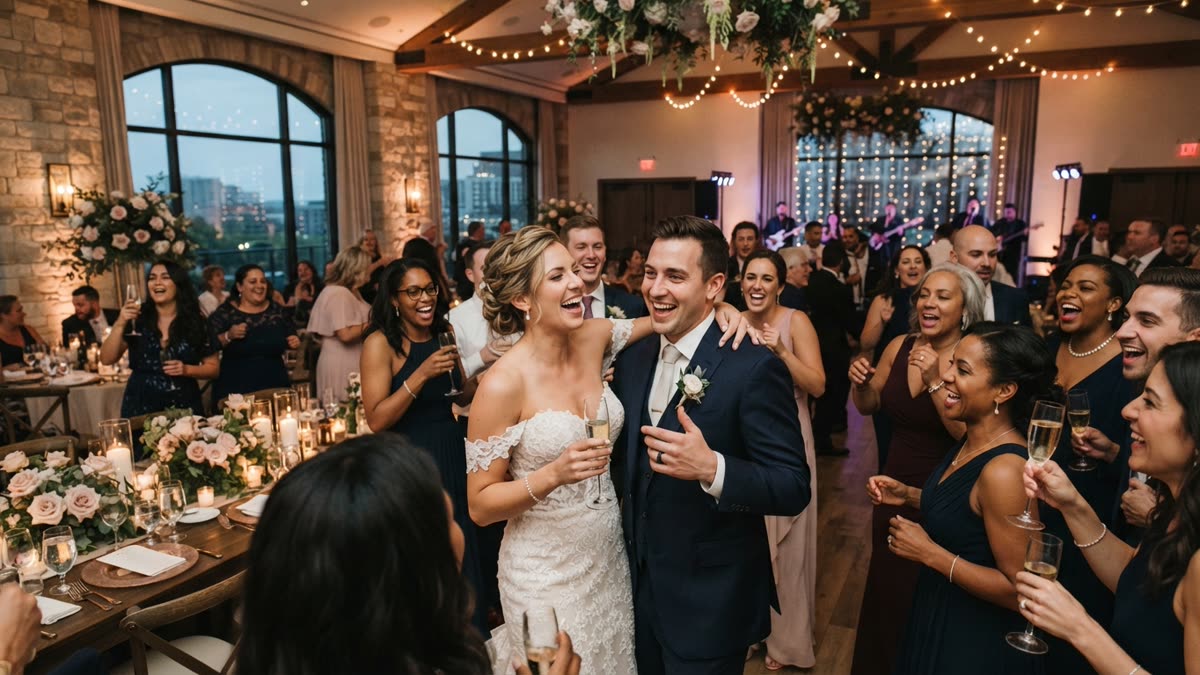
Option one: the app for small gatherings
For a family evening, a friend group or a team of a dozen, the consumer app is the simpler route. It is available on the iOS App Store and Google Play, with a try page at snapdance.app/try. Nobody needs to book anything, and guests can make clips at their own pace while the party carries on around them.
- Upload one photo of yourself. A clear, well lit photo facing the camera is a sensible choice, though how well any given photo renders is not something we can promise in advance.
- Pick a dance from the library of templates.
- Optionally pick music.
- Wait a few minutes while the clip renders.
- Watch it and show the room.
New accounts get free credits before any payment. Free renders carry a small watermark, while paid credits and a subscription render clean. We are not quoting subscription prices here, so check the app for current options. If the watermark would bother you for a clip you plan to post, factor that in before the party.
To test it with your own photo before the party, start with a free render.
One practical tip for hosts: because rendering takes a few minutes, you can make a few clips before the party, with each person's permission, and reveal them during the evening. The app is a good fit when the host is also a guest and wants to keep things light. It is a poor fit when you need to get fifty strangers started in a single room, which is a different job.
Option two: the events product for a whole room
The events product is built for planners, DJs, photo booth operators and venues. Instead of each guest working in their own app, guests scan a QR code, take or upload one photo, pick a dance, and get their own video on their phone. The planner sets the scene around it.
- Venue screen: a screen can play the videos as they finish, so the room sees results arriving.
- Surprise mode: staff photograph attendees, and the clips are revealed together as a coordinated moment.
- Branding: the planner's logo and text can be placed on every video.
- Moderation: photos go through a moderation check before rendering.
It is priced per video, not per hour. There is no hardware, no transport and no operator, which separates it from a booth that has to be staffed and shipped. It also means a party that runs late does not cost more simply because it ran late. The published packages are below.
| Package | Videos included | Price |
|---|---|---|
| Mini Event | 25 | $149 |
| Intimate Event | 50 | $299 |
| Signature Event | 150 | $699 ($4.66 per video) |
| Large Events & Activations | Custom | Custom quote |
Extra video packs exist, but they are not priced publicly, so ask rather than assume. Note that the count is videos, not guests. An 80 person party where everyone wants a clip would outgrow the 50 video package. We cannot tell you what share of guests will take part at your party, because that varies with the room and with how well the activity is introduced.
If you are planning for a whole room of guests, see the events packages and how they work.
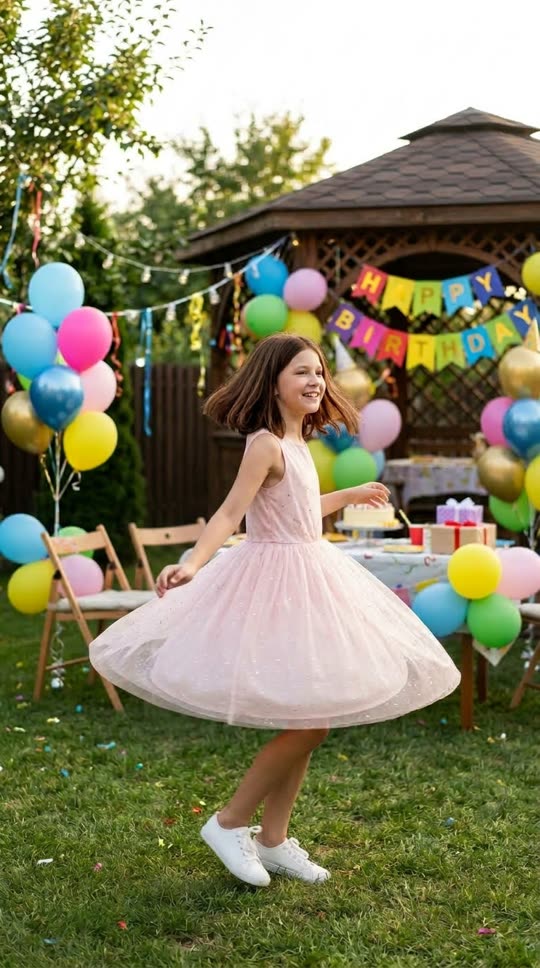
Before: one guest photo
After: the video made from that photo
Which option fits, and when it is the wrong purchase
| Question | Consumer app | Events product |
|---|---|---|
| Best for | Family, friends, small teams | Planned parties run by a planner, DJ, booth operator or venue |
| Who makes the clips | Each person, in the app | Each guest, through a QR code |
| How you pay | Free credits for new accounts, then paid credits or a subscription | Per video, in packages from $149 |
| Extras | Optional music choice | Venue screen, surprise mode, logo and text on every video |
| Main risk | Someone has to get everyone started | Poor venue connectivity, or nobody announcing it |
There are clear cases where SnapDance is the wrong purchase:
- The venue has bad reception. The events product depends on venue connectivity. If guests cannot get a signal, the QR code leads nowhere.
- You want a specific movement. The library is fixed. We cannot make a guest perform an arbitrary routine you invent.
- You want a live, in-person attraction. This is a phone activity with a wait, not a stage act or a staffed experience.
- The party is tiny. For a handful of people, the free credits in the consumer app are probably all you need, and a paid events package would be overkill.
- Your guests would find it uncomfortable. If a group is not keen on photos, a better playlist is the better spend.
What goes wrong on the night
The most common failure is a quiet one: nobody tells the guests. A QR code on a table card, with no one explaining what it does, will be walked past. SnapDance will not announce itself to a room. Someone, whether the host, the DJ or a member of staff, needs to say what it is, show one finished clip, and say where to scan.
The second is connectivity. Guests upload a photo and receive a video on their phone, so both directions need a working connection. Test the signal in the exact spots where guests will stand, not only at the entrance. If the venue has patchy reception, ask the venue about guest wifi before you commit, or choose a different kind of entertainment.
Third, the wait. Rendering takes a few minutes, which is fine if guests expect it and frustrating if they stand staring at a phone. Tell people to pick a dance, go and get a drink, and come back. A venue screen that plays clips as they finish makes the wait feel purposeful, because the room sees results arrive.
Finally, the photos themselves. Photos are moderated before rendering, so encourage guests to submit an ordinary photo of themselves. A clear, front facing shot gives the best chance of a clip they will want to share, though we cannot promise how any one photo will turn out.
A simple plan for the evening
- A week before: decide between the app and the events product based on headcount and venue. Check connectivity at the venue if you are using the events product.
- Before guests arrive: try the process yourself so you can describe it accurately. Put the SnapDance QR code where people queue, sit or wait, not only at the entrance.
- First hour: announce it once, out loud, and show one finished clip. Then leave it alone and let guests come to it.
- Middle of the evening: if you have a venue screen, play the clips as they finish. This is the moment the activity does most of its work, because guests recognise each other.
- Late in the evening: if you are using surprise mode, schedule the reveal when most guests are still in the room. Do not leave it for the last few minutes.
- The next day: clips are already on guests' phones, so there is nothing to collect or send out.
None of this is complicated, but all of it is easier if one named person owns it. The activity does best when someone is responsible for saying what it is and for noticing when something is not working.
Questions people ask
How can AI make my Christmas party more fun?
The most practical way is to give guests a short, shared activity. Each person uploads one photo, picks a dance from a library, and gets a clip of themselves doing it a few minutes later. It works best as a conversation starter at a party that already has good food, music and a host, not as a replacement for them.
Can I make a video of myself dancing from just one photo?
Yes. With SnapDance you upload one photo, pick a dance template, optionally pick music, and the AI renders a short clip of you doing that dance. Clips are typically 10 seconds, with 20 and 30 second lengths on some dances. Rendering takes a few minutes.
Is there a free way to try AI dance videos before my party?
New accounts on the consumer app get free credits before any payment. Free renders carry a small watermark, and paid credits or a subscription render clean. Trying a clip before the party is a sensible way to see whether your guests would enjoy it.
Can the AI make my guests do any dance I want?
No. You can only choose from the dances in the library, which are templates taken from real choreography, many from TikTok creators. If the dance you want is not in the library, it cannot be made.
Will AI dance videos work at a venue with poor wifi or reception?
Probably not well. The events product depends on venue connectivity, because guests scan a QR code, upload a photo and receive a video on their phone. If the venue has bad reception, it is a bad fit, and you should check the signal before booking.
How much does AI dance entertainment cost for a company Christmas party?
The events product is priced per video, not per hour. Published packages are Mini Event at $149 for 25 videos, Intimate Event at $299 for 50, and Signature Event at $699 for 150, which works out to $4.66 per video. Large events are a custom quote. Extra video packs exist but are not priced publicly, so you would need to ask.