If you do not want a photo booth, match the replacement to what you want from it. A shared QR photo album, a roaming photographer or a few cameras on the tables give you candid photos. An audio guestbook or a live artist gives you a keepsake. For something that gets guests laughing and sharing on their phones, AI dance videos are a newer option, and SnapDance makes one. They need decent venue signal, someone to tell guests about them, and they take a few minutes to render, so they are the wrong choice for a venue with poor reception or for couples who want a printed keepsake.
Why couples look beyond the photo booth
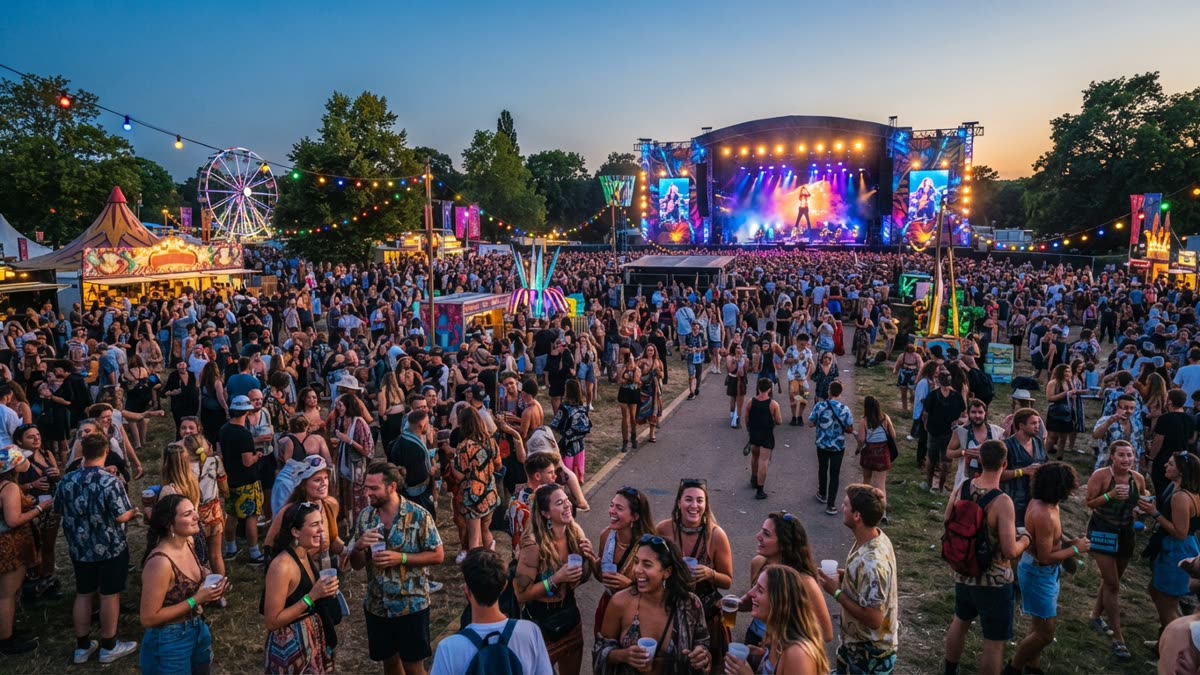
A photo booth is a dependable wedding fixture, and this guide is not an argument against it. There are still sound reasons to look elsewhere. A booth takes floor space and usually an attendant, only a few guests use it at a time, a queue can form while the dance floor empties, and some venues limit hardware or power. Some couples simply find that the booth does not suit the mood they want.
What follows is a set of alternatives, grouped by what you are really after: candid photos, a keepsake, something fun for the dance floor, or a guest book. A disclosure first: SnapDance makes one of the options covered here, AI dance videos. We will say where it fits and where it does not, and some of the other options will simply be the better choice for you.
Alternatives for candid photos
A shared photo album with a QR code
Guests scan a code on the table or the order of service and upload photos from their own phones into one gallery. It needs no hardware and no one to run it, and you end up with angles a single photographer cannot cover. The drawback is that quality varies, a small group of keen guests tends to contribute most of the photos, and you depend on people remembering to do it.
Disposable or instant cameras on the tables
A camera at each table encourages relaxed, unposed shots, and guests enjoy the tactile side of it. The drawbacks are practical. Disposable cameras need developing afterwards, some frames will be dark or blurry, and someone has to collect them at the end of the night. Instant film gives guests something immediately but costs you per shot.
A second photographer or a roaming candid shooter
If your main reason for a booth was to get pictures of guests, a second photographer who moves through the room does that job more directly. You get composed, well lit photos rather than strips of faces pulled at a screen. The trade-off is that it is a professional's time, and guests are subjects rather than participants.
A self-serve phone and tripod backdrop
A backdrop, a ring light and a phone on a tripod with a remote shutter is the lightweight imitation of a booth. It is inexpensive and takes little room. Without an attendant, though, it tends to go unused unless someone prompts guests, and the results are only as good as your lighting.

Alternatives for keepsakes and messages
An audio guestbook
A vintage style phone records spoken messages when guests lift the receiver. Many couples find that hearing a grandparent's voice years later means more than a signature in a book. It suits quieter moments and shy guests less well, since people have to speak into a handset, and the recordings need some editing to share.
A video message station
Guests record a short message to the couple on a phone, either at a designated spot or through a link. It is simple and personal, but a few awkward clips are inevitable, and it adds nothing for the dance floor.
A live artist or caricaturist
A painter or caricaturist working during the reception gives guests something to watch and gives you a physical object. Each portrait takes time, so only some guests will receive one, and it is not suited to a very large crowd.
A Polaroid guestbook
Guests take an instant photo, stick it in a book and write a note beside it. It combines a photo and a message, but it shares the cost per shot of any instant film setup and relies on guests taking the trouble.
Side by side
This table compares the main options on what guests take away, what you need to arrange, and the main drawback. It is a general guide, since costs and quality vary a great deal by supplier.
| Option | What guests take home | What you need | Main drawback |
|---|---|---|---|
| Shared QR photo album | Access to everyone's photos afterwards | A QR code and a gallery service | Uneven participation and quality |
| Disposable or instant cameras | Candid, tactile photos | Cameras, film, someone to collect them | Developing wait, hit and miss results |
| Roaming photographer | Polished candids, delivered later | A booked professional | Guests are subjects, not participants |
| Audio guestbook | Nothing, but you keep their voices | A rented or built phone setup | Not for shy guests, no dance floor appeal |
| Live artist | A portrait for some guests | A booked artist and a table | Slow, limited by crowd size |
| AI dance videos (SnapDance) | A short video of themselves doing a dance, on their phone | Guests with phones, decent venue signal, someone to announce it | Needs connectivity, renders take a few minutes, dances limited to the library |
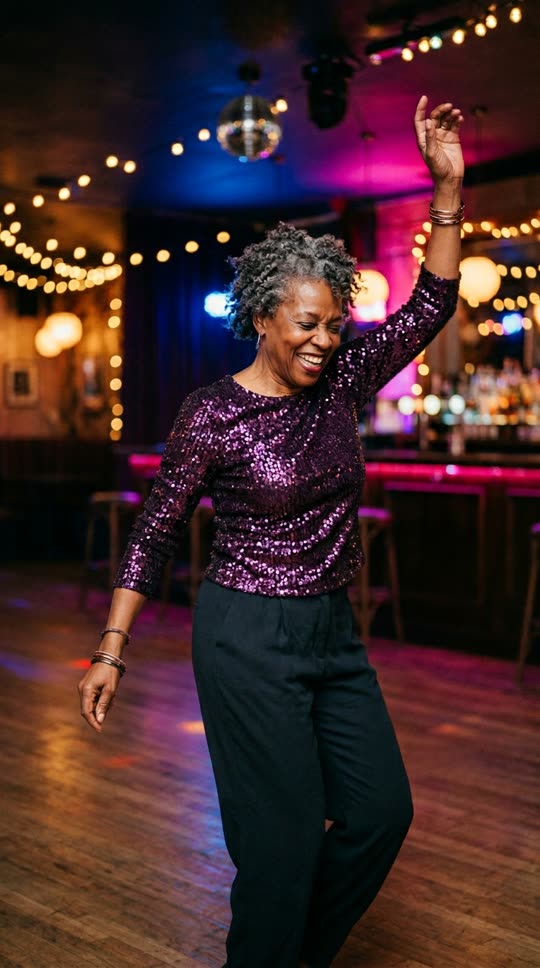
Before: one guest photo
After: the video made from that photo
Where AI dance videos fit
AI dance videos are the newest option on the list and the least familiar, so here is exactly what they are. SnapDance has a consumer app and an events product built on the same idea. A person supplies one photo of themselves, chooses a dance from a library of templates taken from real choreography (many from TikTok creators), optionally picks music, and the AI renders a short clip of them doing that dance.
Some limits are worth knowing. Clips are typically 10 seconds, with 20 and 30 second lengths on some dances. Rendering takes a few minutes, so it is not instant like a mirror booth. You also cannot ask for an arbitrary movement: if a dance is not in the library, the answer is no.
The consumer app is the easy way to judge whether the idea appeals to you. New accounts get free credits before any payment, free renders carry a small watermark, and paid credits and the subscription render clean.
For a reception, the events product is the relevant one. Guests scan a QR code, take or upload one photo, pick a dance, and get their own video on their phone. A venue screen can play the videos as they finish. Photos go through a moderation check before rendering, the planner's logo and text can be placed on every video, and a surprise mode lets staff photograph attendees for a coordinated reveal. There is no hardware, no transport and no operator.
It is priced per video, not per hour. The published packages are:
- Mini Event: $149 for 25 videos
- Intimate Event: $299 for 50 videos
- Signature Event: $699 for 150 videos ($4.66 per video)
- Large Events & Activations: custom quote
Extra video packs exist but are not priced publicly, so ask rather than assume a figure.
To see how the QR code flow and venue screen would work at a reception, look at SnapDance for events
When SnapDance is the wrong choice
It is not the right answer for every wedding, and a few situations make it a poor fit.
- Weak reception at the venue. The whole flow runs through guests' phones and the internet. A barn, cellar or remote estate with poor signal is a bad fit, and you should check connectivity before booking anything.
- You want something physical. There are no prints, strips or objects. Guests leave with a video on their phone, so a printed keepsake is better served by instant cameras, a live artist or a Polaroid guestbook.
- You want a specific movement. The dances come from a fixed library. If you picture guests doing a particular routine that is not in it, that is not possible.
- Nobody will announce it. This is the thing that most often goes wrong on the night. A QR code on a table card with no mention from the DJ, planner or host can sit unnoticed. Someone needs to tell guests it exists.
- Guests who dislike seeing themselves in AI video. Some people will not want to take part. It is optional by nature, but if your guest list is likely to be wary of it, a quieter option will serve you better.
It is also not a substitute for a photographer. It produces entertaining clips, not a record of your day.
How to choose
Start with what you wanted the photo booth to do, then pick the option that does that job well.
- Decide the goal. Candid memories, a keepsake, or fun on the dance floor are different goals and suit different tools.
- Check the venue. Ask about signal, power and space. Phone based options need connectivity, and anything with hardware needs room.
- Decide who will run it. A self-serve option still needs someone to announce it. Ask your planner, DJ or MC to mention it once or twice.
- Consider combining. Options are not mutually exclusive. A shared photo album for candids, an audio guestbook for messages and AI dance videos for the dance floor cover different needs without much overlap.
- Test before committing. For anything phone based, try it yourself first. With the consumer app you can see the output quality for free credits before deciding if guests would enjoy it.
If you already have a booth booked and are wondering about adding something, planners, DJs and photo booth operators can offer AI dance videos alongside existing services, since it needs no extra hardware or operator. SnapDance does not replace a booth in that case, it adds a different kind of keepsake next to it.
Questions people ask
What can I do at a wedding instead of a photo booth?
Good options include a shared photo album guests upload to via QR code, disposable or instant cameras on the tables, a roaming photographer, an audio guestbook, a live artist, or AI dance videos that guests make on their own phones. Pick based on whether you want candid photos, a keepsake or entertainment on the dance floor.
What is the cheapest alternative to a wedding photo booth?
A shared photo album with a QR code is usually the lowest cost option because it needs no hardware and no operator. Quality and participation vary, though, so it works best alongside a photographer rather than as the only record of the day.
Can wedding guests make AI dance videos of themselves?
Yes, with the SnapDance events product. Guests scan a QR code, take or upload one photo, pick a dance from the library and receive their own video on their phone. Clips are typically 10 seconds and take a few minutes to render. Guests can only choose dances that are in the library.
Do AI dance videos at a reception need good wifi or phone signal?
Yes. The flow depends on the venue's connectivity, so a venue with poor reception is a bad fit. Check signal before booking. It also helps to have someone announce it, because guests may not notice a QR code on their own.
How much do AI dance videos cost for a wedding?
The events product is priced per video, not per hour. Published packages are Mini Event at $149 for 25 videos, Intimate Event at $299 for 50, and Signature Event at $699 for 150 videos, which works out to $4.66 per video. Large events are a custom quote. Extra video packs exist but are not priced publicly.