The best office holiday party activities are optional, easy to join in a minute, and do not force anyone onto a stage. Trivia, a white elephant gift swap, light-hearted awards and a prop photo booth are dependable. Karaoke works only if your group is already extroverted. A newer option is guest-made AI dance videos: people scan a QR code, upload one photo, pick a dance and get a short clip on their phone. SnapDance makes that product, so we say plainly where it fits and where it does not, including venues with poor reception and parties where nobody tells guests it exists.
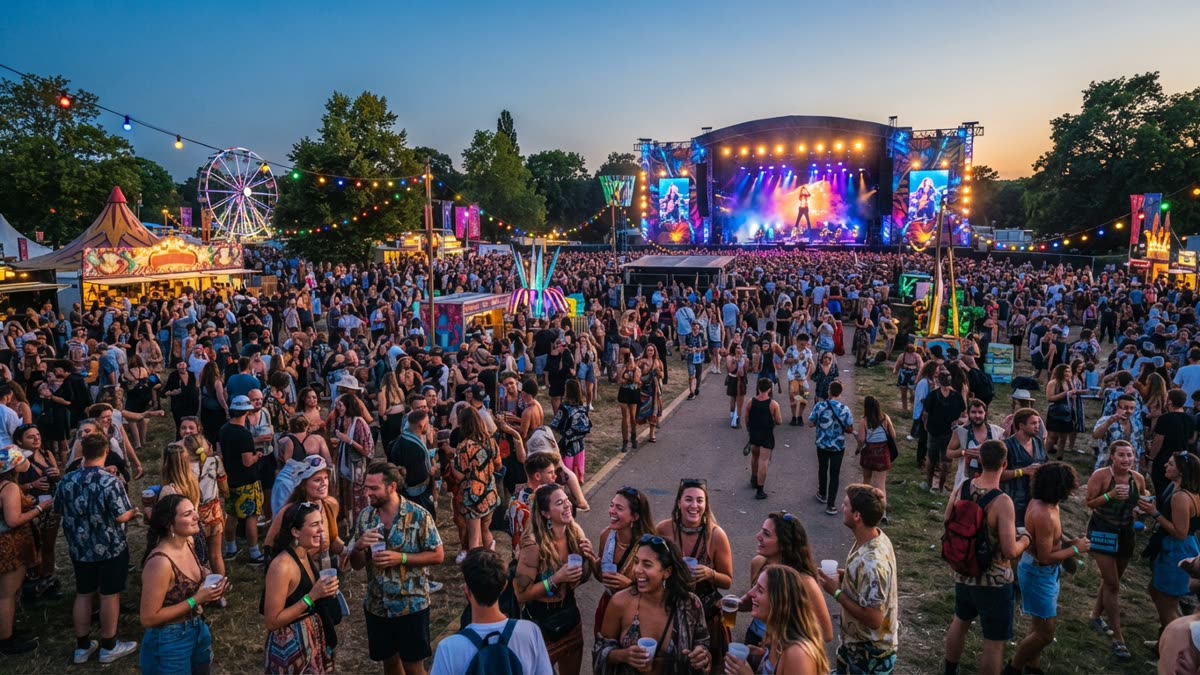
What makes an office party activity work
A holiday party puts together people who talk every day and people who have never met. They come from different teams, different generations and very different comfort levels with being the center of attention. The best interactive entertainment gives everyone a way in without asking them to perform in front of the room.
When you weigh the options below, test each one against these traits:
- Optional. Someone who wants to hold a drink and talk should never feel they are failing by skipping it.
- Low skill floor. If it needs talent, practice or athletic ability, half the room will opt out.
- Works in short bursts. People drift between conversations, so a good activity can be joined and left in a minute or two.
- Leaves something behind. A laugh, a story, a prize or a clip people can keep tends to keep the conversation going after the event.
- Inclusive. It should not depend on alcohol, a particular religious tradition, or physical ability.
One disclosure before we go on: SnapDance makes one of the products discussed here. We have kept it in the same frame as the others and spelled out where it is the wrong choice.
Classic ideas that still earn their place
Company trivia
Questions about the business, its history and its in-jokes work because everyone has some stake in the answers. Teams of mixed departments help people meet. The risk is length: a long quiz turns the party into a meeting. Keep rounds short and have a host with a bit of personality.
White elephant or gift swap
This is the dependable favorite. It creates natural laughter, a little friendly rivalry and a shared story. Set a clear spending limit and a few rules in advance, and make sure the rules are written down, because arguments over stealing order are part of the fun until they are not. It does take structure and a loud enough host, and it suits groups that are small enough for everyone to see the table.
Light-hearted awards
Superlatives such as the person who always has snacks or the best reply-all rescue recognize people in a warm way. The caution is tone. Keep the categories kind, avoid anything about appearance, relationships or performance reviews, and have someone from HR or leadership look at the list first.
Karaoke
Karaoke can be the highlight of the night in an outgoing office and a quiet disaster in a reserved one. It needs a sound system, a host who can coax people up, and a room where the singing will not drown out everyone else. If you are not sure how your team will react, offer it as one corner of the party rather than the main event.
A prop photo booth
A physical booth with hats, signs and a backdrop is easy to understand and gives people something to do with a friend. It does need space, someone to supervise it, and a way to get the photos to guests afterward.
A charity element
A raffle or a giving station where the proceeds go to a cause gives the evening a purpose beyond entertainment. It is not very interactive on its own, so pair it with another activity.
How the ideas compare
This table summarizes the practical trade-offs. It is a judgment call based on how these formats usually run, not measured data.
| Idea | Works best when | Main risk | What you need |
|---|---|---|---|
| Company trivia | Teams are mixed and the host is lively | Runs too long and feels like a meeting | Questions, a host, a way to keep score |
| White elephant | Group is small enough to gather around one table | Unclear rules cause friction | Gifts, a spending limit, written rules |
| Light awards | Categories are kind and vetted | A joke lands badly | A list, a presenter, small prizes |
| Karaoke | The group is already outgoing | Shy guests feel pressured | Sound system, song library, a host |
| Physical photo booth | There is floor space and someone to run it | Queues and printing delays | Props, backdrop, supervision |
| AI dance videos | Guests have phones and the venue has decent connectivity | Poor reception, or nobody tells guests it exists | A QR code, a screen if you want a shared display, an announcement |
Guest-made AI dance videos for the party
This is the idea we make, so read it with that in mind. SnapDance has an events product built for planners, DJs, photo booth operators and venues. Guests scan a QR code, take or upload one photo, pick a dance from a library of templates based on real choreography, and get their own short video on their phone. There is no app download needed to join in, no hardware to set up and no operator on site.
For an office party, the useful details are these:
- A shared screen is optional. A venue screen can play the videos as they finish, which turns individual clips into a running show for the whole room.
- Surprise mode. Staff can photograph attendees and hold the results for a coordinated reveal, which suits a toast or an awards segment.
- Your branding. A company logo and text can be placed on every video.
- Moderation. Photos go through a moderation check before rendering, which matters at a workplace event.
- Pricing by video, not by hour. The published packages are Mini Event at $149 for 25 videos, Intimate Event at $299 for 50 and Signature Event at $699 for 150, which works out to $4.66 per video. Large events and activations are a custom quote. Extra video packs exist, but they are not priced publicly, so ask rather than assume.
Pick a package by the number of people you expect to actually make a clip, not by total headcount. Not everyone will join in, and that is fine for an optional activity.
If you plan events for a living or are organizing one for your company, you can look at how the events product is set up here: If you are planning the party and want to see how guest videos, a venue screen and branding fit together, see the SnapDance events product.
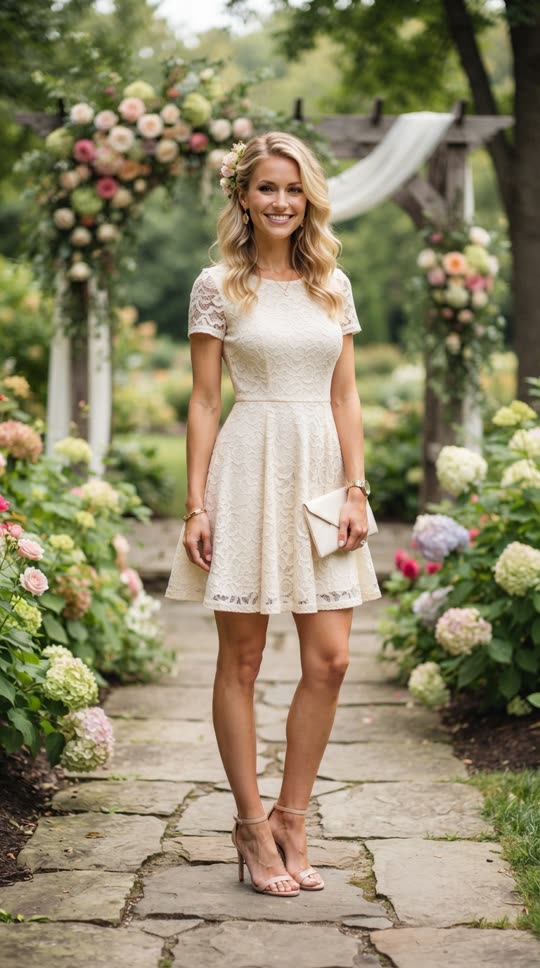
Before: one guest photo
After: the video made from that photo
Try it on yourself before you commit
The same technology is available as a consumer app on iOS and Android, and it is the quickest way to judge whether your coworkers would enjoy it. You upload one photo of yourself, choose a dance from the library, optionally choose music, and the AI renders a short clip of you doing that dance.
A few facts help set expectations. Clips are typically 10 seconds, with 20 and 30 second lengths on some dances. Rendering takes a few minutes, so it is not instant. New accounts get free credits before any payment, and free renders carry a small watermark, while paid credits and a subscription render clean.
There is also a real limit worth knowing about. You cannot ask for an arbitrary movement. If a dance is not in the library, the answer is no. If someone wants a specific routine from their own team or a custom move, the app cannot make it.
Making a clip of yourself and showing a few colleagues is a low-risk test: If you want to see what your own dance clip looks like before the party, try the SnapDance app free.
When AI dance videos are the wrong choice
We would rather you skip it than have a flat evening. Here is when it is a poor fit:
- The venue has bad reception. The experience depends on connectivity. If guests cannot load a page or upload a photo, the activity fails. Check signal and Wi-Fi in the actual room, not just the lobby.
- Nobody announces it. This is the other thing that goes wrong on the night. A QR code on a table with no explanation often goes unscanned. Have the host mention it, put a short instruction on the screen and say what guests get.
- Your team is uneasy about photos. Some people do not want their face used in an AI video, for privacy or personal reasons. Make participation clearly optional and tell people in advance how photos are used.
- You want a specific custom routine. The library is fixed. It cannot produce a movement that is not in it.
- You want an activity people do together. The clips are individual. They get shared and laughed at together, but making one is a personal moment, so trivia or a gift swap is better for building group energy.
- Your budget is tight and the group is large. Per-video pricing is simple, but it adds up. Free games cost nothing, and for a small gathering the free app credits may be enough for a few people to try.
A simple plan for the night
Most good parties combine one structured moment with a couple of optional things in the background. A reasonable shape looks like this:
- Decide the anchor. Pick one shared moment, such as a gift swap or a short awards segment, so the evening has a center.
- Add one or two optional corners. A prop booth, a trivia table or a QR code activity gives quieter guests something to do on their own terms.
- Check the venue. Walk the room with your phone and confirm reception wherever guests will stand.
- Brief the host. Write down what to announce and when, including how to join any QR code activity.
- Vet the content. Review award categories, trivia questions and any branding text for tone before the day.
- Make it all optional. Say so out loud. People join in more when they know they are not obliged to.
No single activity makes a party. The mix, the host and the room matter more than any one idea, and a modest plan that suits your people will beat an ambitious one that does not.
Questions people ask
What are some fun interactive activities for an office holiday party that are not awkward?
Choose activities that are optional and easy to join. Company trivia, a white elephant gift swap, kind awards and a prop photo booth all work for mixed groups. Avoid anything that forces people onto a stage, and say clearly that participating is voluntary.
How can I entertain a large office party on a small budget?
Free formats such as trivia, a gift swap with a spending limit and light awards cost little beyond prizes and a good host. Add one paid or special element only if it suits your group. Match any per-video or per-item spend to the number of people likely to take part, not total headcount.
Can AI make a video of me dancing from just one photo?
Yes, within limits. With SnapDance you upload one photo, pick a dance from a library of templates, optionally pick music, and the AI renders a short clip, typically 10 seconds. You cannot request a movement that is not in the library, and free renders carry a small watermark.
How much does it cost to add AI dance videos to a company party?
The events product is priced per video, not per hour. Published packages are Mini Event at $149 for 25 videos, Intimate Event at $299 for 50 and Signature Event at $699 for 150, or $4.66 per video. Large events are a custom quote, and extra video packs are not priced publicly.
What should I check before using a QR code activity at a party venue?
Test mobile reception and Wi-Fi in the room where guests will stand, since these activities depend on connectivity. Then plan for someone to announce it, because a code that nobody mentions is often ignored. Also tell guests how photos are used and keep participation optional.