Start with the outcome the brand needs, then judge every entertainment option on how many guests it serves at once, what guests take home, how content is moderated, and what can fail on the night. Compare quotes on the same basis, per hour or per output. AI dance videos suit activations where guests have phones, the venue has signal and someone announces the experience. They do not replace live energy, instant results or custom choreography.
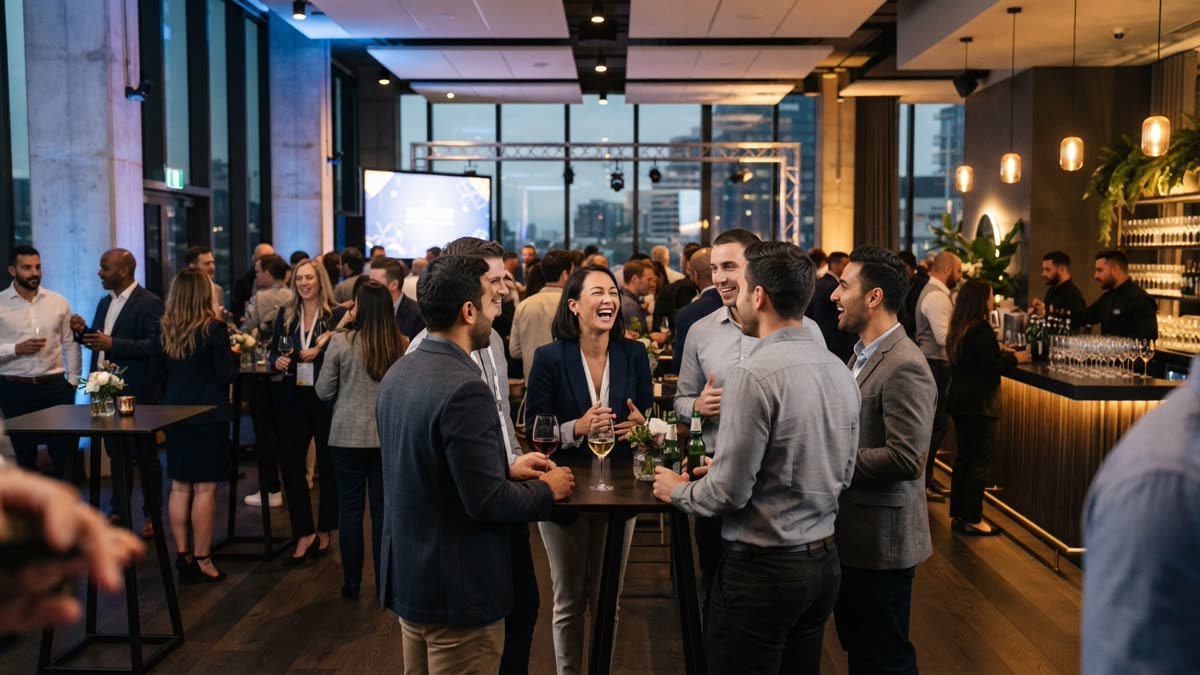
Start with the outcome the brand needs
A brand activation is not a party. Guests are there because a brand wants something specific from the day: sampling, sign-ups, content for social channels, or simply time spent near the product. Entertainment that is wonderful but unrelated to that outcome is a cost, not a contribution.
Before you look at any act, write one sentence describing what a good day looks like. Then ask of every option whether it helps produce that outcome or just fills the room. A string quartet may suit a launch dinner and do nothing for a pop-up where people are meant to stop for a minute and leave with something to share.
Also decide who the entertainment is for. Guests who walk past, guests who queue and an audience watching from a distance all need different things. Something that rewards one participant but gives onlookers nothing will leave most of the space flat.
Compare the main kinds of guest entertainment
Most activations end up choosing between a handful of formats. The table below compares them on the points that tend to decide the booking. It is a general guide, and individual suppliers vary.
| Option | Strongest at | Watch out for | Usual pricing basis |
|---|---|---|---|
| Live performer or DJ set | Atmosphere and a shared moment for the whole room | Few guests get a personal takeaway; depends on the act's availability and technical requirements | By time |
| Photo booth with an attendant | Familiar, quick, branded prints or GIFs | Hardware, floor space, transport and an operator; a queue forms at one machine | By time |
| Interactive installation or game | Dwell time and a story about the product | Build time, power and staffing; can fail in public | By project |
| SnapDance Events (AI dance videos by QR code) | A personal, shareable clip on each guest's own phone, with no hardware | Needs decent connectivity; renders take a few minutes; limited to the dance library | Per video |
No row wins everywhere. Many strong activations pair a live element for atmosphere with a take-home element for reach, so treat the choice as a mix rather than a single pick.
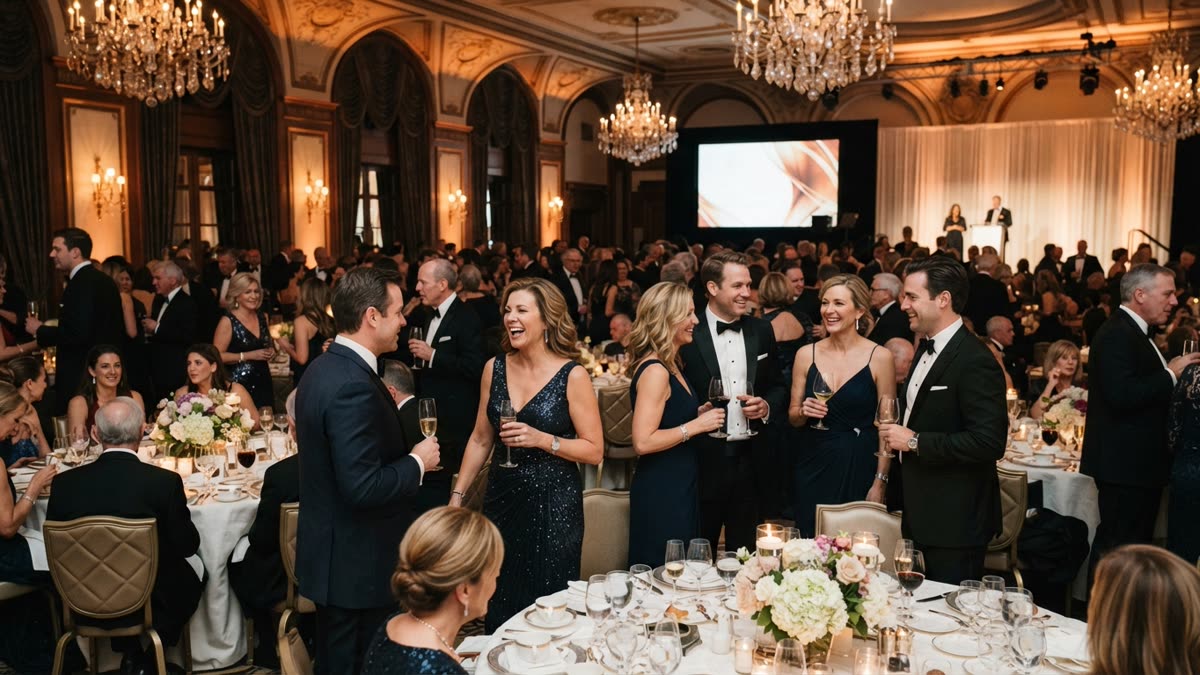
Check throughput, queues and dwell time
Ask every supplier how many guests the offer can serve in an hour, and what happens at the busiest moment. A format built around one station has a natural ceiling, and a queue at a branded station is only good publicity while it keeps moving.
Questions worth asking:
- How long does one guest interaction take from start to finish?
- Can more than one person take part at once?
- What does the supplier do when a rush arrives, or when equipment fails?
- Does the experience give onlookers something to watch, or only the participant?
With SnapDance Events, guests scan a QR code and use their own phones, so there is no single machine to queue at. The trade-off is time: each video takes a few minutes to render, so the rhythm is scan, choose a dance, go back to the event and receive the clip later. If your activation needs an instant result in the guest's hands, that is a mismatch. A venue screen can play videos as they finish, which gives onlookers something to watch while they wait for their own.
Look at branding and what guests take home
Ask what actually carries the brand. A logo on a banner behind the act is the weakest version. Better is a format where the brand appears inside the thing guests take home and post.
Check three points: whether your logo and text can be placed on every output, whether guests will want to share the result, and whether the branding is subtle enough that they still do. A clip that looks like an advert tends to stay on the phone it was made on.
SnapDance Events lets the planner place a logo and text on every video, and each guest gets their own clip on their phone. Whatever supplier you choose, ask for the usage terms for the content in writing, particularly if the brand intends to reuse guest footage in its own channels.
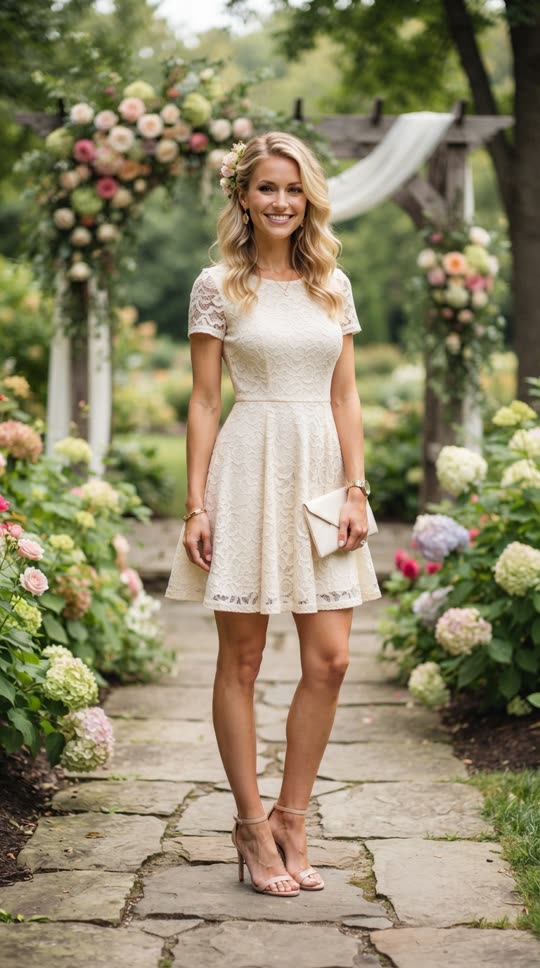
Before: one guest photo
After: the video made from that photo
Ask how content is moderated
Any format that turns guest photos into content carries a brand safety question. Ask what check happens before the output is rendered, shown on a screen or shared, and who is responsible when something slips through.
Guest-generated content on a venue screen deserves the most scrutiny, because the whole room sees it. In SnapDance Events, photos go through a moderation check before rendering. No automated check is perfect, so for a high-profile brand it is still sensible to have a member of staff watching the screen and a way to pause it.
Also ask every supplier how guest photos are handled after the event, including retention and deletion, and get the answer in writing. Guests are handing over a picture of their face, and the brand's name is on the experience.
Plan the logistics: power, signal and who runs it on the night
Logistics is where good bookings go wrong. Ask about load-in times, floor space, power, insurance, how many staff the supplier brings and what the backup is if something fails.
Hardware formats tend to fail loudly: a printer jams, a screen dies, a flight is late. Phone-based formats fail more quietly, and two issues matter most.
- Connectivity. Guests need a working signal or venue Wi-Fi to upload a photo and get the result. A venue with bad reception is a bad fit for SnapDance Events, and the same is true of any format that depends on guest phones. Test the signal in the actual room at the actual time, not in the lobby during a site visit.
- Announcement. The other thing that goes wrong on the night is that nobody tells guests it exists. A QR code on a table with no one pointing to it will be ignored. Assign a host or staff member to announce it, and brief the team beforehand.
The upside of a QR-based format is the absence of hardware, transport and an operator, which removes several usual failure points and some of the cost. It also removes the person who would normally draw guests over, so that job needs an owner.
Where SnapDance fits, and where it does not
SnapDance makes the products discussed here, so weigh this section accordingly. Its events product is a take-home format: guests scan a QR code, take or upload one photo, pick a dance from a library of templates taken from real choreography, and get a short video of themselves doing it.
It fits when:
- You want every guest to leave with something personal and shareable, not only a shared moment.
- The venue has reliable signal or Wi-Fi.
- You have no space, power or budget for hardware and an operator.
- Someone on the team will announce it.
It is the wrong choice when:
- You need live energy, a host or a performer. A video of a guest dancing does not replace a person in the room.
- Guests need something in their hands within seconds, since rendering takes a few minutes.
- You want a specific movement or a custom routine. Guests choose only from the existing dance library, and if a dance is not there the answer is no.
- The venue has poor reception.
There is also an option called surprise mode, where staff photograph attendees so a coordinated reveal can be played for the room. It suits a staged moment more than a drop-in stand.
Compare quotes on the same basis, then test the output
Whatever you book, get quotes that can be compared. Ask what is included: setup, staffing, branding, content rights, travel and overtime. Under time-based pricing the cost per guest depends on how busy the room is. Under per-video pricing the cost follows the number of guests served.
For reference, the events product is priced per video, not per hour. Extra video packs exist but are not priced publicly, so ask for a quote if you expect to run past your package. Large activations are quoted individually.
| Package | Videos | Price |
|---|---|---|
| Mini Event | 25 | $149 |
| Intimate Event | 50 | $299 |
| Signature Event | 150 | $699 ($4.66 per video) |
| Large Events & Activations | Custom | Custom quote |
Because packages are counted in videos, choose by the number of guests you realistically expect to take part, not the total headcount. Not every attendee will join in.
Before signing anything, try the format yourself. New accounts on the SnapDance app get free credits before any payment, and free renders carry a small watermark. You can upload your own photo, pick a dance and see how the result looks and how long it takes to render.
If you want to check the output before you decide, you can try a dance with your own photo
Questions people ask
What should I ask before booking entertainment for a brand activation?
Start with the outcome the brand needs, then ask how many guests the offer serves at once, what guests take home, whether the brand appears in the output, how content is moderated, what the venue needs in power and signal, and whether pricing is by time or by output. Get usage terms and photo handling in writing.
How do I know if AI dance videos are a good fit for my brand event?
They suit events where guests have phones, the venue has reliable signal and someone on the team announces the experience. They are a poor fit if you need live energy, instant results, or a specific custom routine, because guests can only choose from the existing dance library.
How much does it cost to give guests their own dance video at an event?
The events product is priced per video. Published packages are Mini Event at $149 for 25 videos, Intimate Event at $299 for 50, and Signature Event at $699 for 150, which works out to $4.66 per video. Large events and activations get a custom quote. Extra video packs exist but are not priced publicly, so you would need to ask.
What happens if the venue has bad Wi-Fi or mobile reception?
Guests will struggle to upload photos and receive their videos, so a venue with bad reception is a bad fit. Test the signal in the actual room at the time of the event, and choose a different format if it is unreliable.
Is it safe to show guest-made videos on a venue screen?
Photos go through a moderation check before rendering, which reduces the risk. No automated check is perfect, so for a high-profile brand it is wise to have a staff member watching the screen with a way to pause it.