People share things that are about them, take seconds to get and are comfortable to post. For a company Christmas party, that usually means a personal take-home, not a group photo wall. Optional beats mandatory every time. SnapDance, which we make, offers one way to do this: guests scan a QR code, upload one photo, pick a dance from a library and get a short video of themselves on their own phone. It is priced per video, it needs good venue connectivity, and it only works if someone tells guests it exists. This guide covers that option alongside the free and low-tech alternatives, plus the cases where our product is the wrong purchase.

What makes a party moment worth sharing
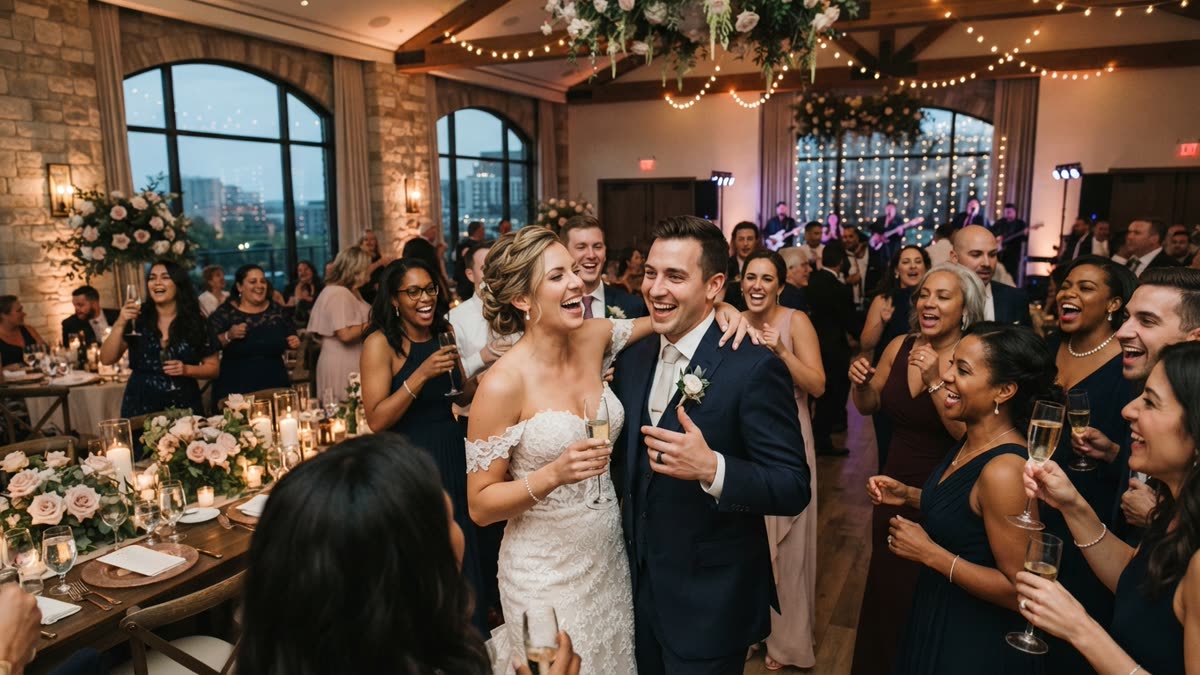
Most company Christmas parties produce plenty of photos and very little sharing. The pictures sit in a shared folder, people are tagged in shots they did not choose, and the few that reach social media are the ones an individual decided to post on their own.
A moment tends to travel when it meets a few conditions. The person is the star of it, not a face in a crowd. It takes seconds to get, ideally on their own phone. And it is something they would be comfortable putting on a personal profile in front of friends and family, not only colleagues.
That last condition matters more at work events than almost anywhere else. Anything that puts people on the spot, such as forced group poses or a mandatory hashtag, usually produces polite compliance rather than real posts. The better goal is to make sharing easy and optional, and to give people something funny or flattering enough that they want to send it on.
Start with the moment, then pick the tool
Before you book anything, decide which moment you want people to share. Several options work without any special technology:
- A good backdrop. A well-lit corner with a seasonal set gives guests a natural place to take their own photos. It costs little, but it depends on guests having the motivation to walk over and use it.
- An awards segment. Light-hearted team awards give winners a moment in the spotlight and a reason to post. Keep the categories kind. A joke award is only fun to share if the person receiving it enjoys it.
- A shared playlist. Letting guests add songs beforehand gives people a stake in the night. It rarely produces anything postable by itself, but it improves the mood in the room.
- A personal take-home. Something each guest receives on their own phone, in their own likeness, is the format with the best chance of being posted, because it is already about them.
The last item deserves most of your planning effort. A photo wall is pleasant, but a personal item that arrives on the guest's phone before they leave the venue is what tends to end up in a story or a family group chat.
Where AI dance videos fit
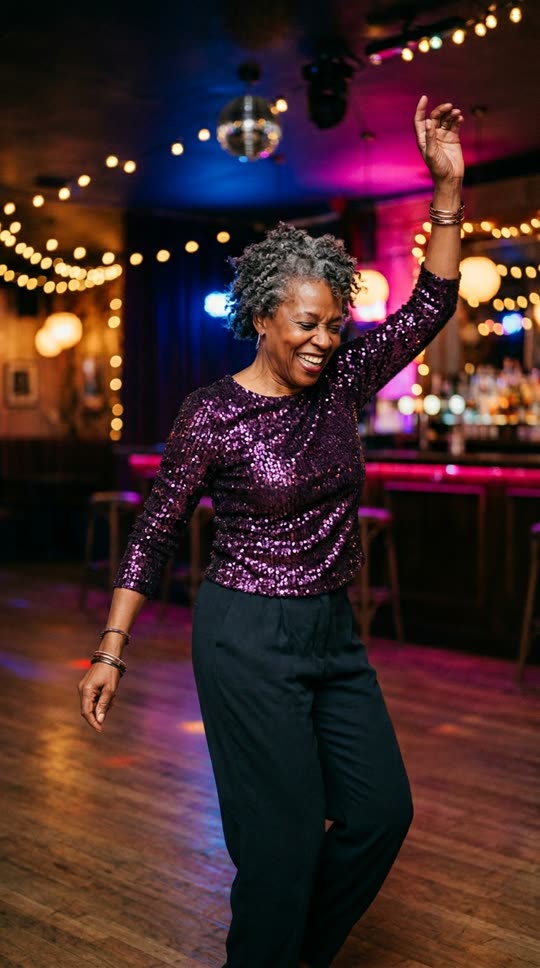
We make SnapDance, so weigh this section accordingly. The events product from SnapDance is built for the personal take-home idea above. Guests scan a QR code, take or upload one photo, pick a dance and receive a short video of themselves doing it, delivered to their own phone.
The details that matter for planning:
- Dances come from a library of templates based on real choreography, many from TikTok creators. Guests choose from that library. Nobody can request an arbitrary movement, and if a dance is not in the library the answer is no.
- Clips are typically 10 seconds, with 20 and 30 second lengths available on some dances.
- Rendering takes a few minutes, so guests get their video during the party, not instantly.
- A venue screen can play videos as they finish, which gives the room something to watch together.
- Your logo and text can be placed on every video, so what gets shared carries your branding.
- Photos go through a moderation check before rendering.
- Surprise mode lets staff photograph attendees so the videos can be revealed in one coordinated moment, instead of guests scanning themselves.
There is no hardware, no transport and no operator. That helps a small team with no space or budget for a booth. It is also a limit if you want a person on site engaging guests face to face.
How the options compare
No single approach suits every party. This table sets out the trade-offs as plainly as we can, including where our own product loses.
| Approach | What guests get | Strength | Limit |
|---|---|---|---|
| Backdrop with a hashtag | Their own photos, taken on their own phones | Cheap and simple | Depends on guest initiative, and photos tend to be group shots |
| Photo booth with an operator | Photo strips or digital images | Familiar, and an attendant keeps things moving | Needs hardware, floor space and a person |
| Staff-made recap video | One shared clip after the event | Good for company culture | Arrives later and is not personal to each guest |
| AI dance videos with SnapDance events | A personal video on their own phone, typically 10 seconds | No hardware or operator, logo on every video, optional venue screen | Needs good venue connectivity, limited to the dance library, and needs announcing |
Before: one guest photo
After: the video made from that photo
What it costs and how to size an order
The events product is priced per video, not per hour. A longer party does not cost more, but a bigger turnout does. The published packages are below.
| Package | Videos | Price |
|---|---|---|
| Mini Event | 25 | $149 |
| Intimate Event | 50 | $299 |
| Signature Event | 150 | $699 ($4.66 per video) |
| Large Events & Activations | Varies | Custom quote |
Extra video packs exist, but they are not priced publicly, so ask the team instead of assuming a number.
Size the order by the number of guests who will realistically take part, not total headcount. A team of 20 fits inside Mini Event. A party of 45 sits comfortably inside Intimate Event. Some guests will want to make a second video, so leave a little room. If you expect a large turnout, the custom quote route is the better conversation to have early.
Running it on the night
The technology is the easy part. Most of the result comes from a few practical steps:
- Test connectivity first. Stand where guests will stand, open the QR code and check that the page loads and a photo uploads. Guests need a working connection to send a photo and receive a video, so a venue with poor reception is a poor fit.
- Put the QR code where people already are. Use the bar, the tables, the entrance and the venue screen. Do not tuck it in a corner.
- Have someone announce it. This is the most common failure. If nobody tells guests what the QR code does, most will ignore it. Ask the host or a senior leader to explain it at the start and again after dinner.
- Seed the screen early. Have a few organisers make videos first so the venue screen is already playing when guests arrive at it. People join in when they can see others doing it.
- Consider surprise mode for a reveal. Staff photograph attendees during arrival, then the videos play together at a planned point in the evening. It suits teams where some guests would not scan a code on their own.
- Keep posting optional. Remind people they can share their video if they like. Do not ask for tags or a hashtag as a condition of anything.
If you want to see how the guest flow and venue screen work before committing, you can look at the events product here: See how the events product works for your company party
For remote and hybrid teams
Not every company party happens in one room. If your team is spread across locations, the consumer app can do a similar job without any event setup. Each person uploads one photo of themselves, picks a dance from the library, optionally picks music, and the AI renders a short clip of them doing it. Output is typically 10 seconds, with longer lengths on some dances, and rendering takes a few minutes.
New accounts get free credits before any payment. Free renders carry a small watermark, while paid credits and a subscription render clean. For a casual team chat that is usually fine. If you plan to post publicly under your company brand, decide up front whether the watermark is acceptable.
A simple way to run it: a team lead picks a dance, shares the name in the group chat, and everyone makes their own version before the video call. It is lighter than the events product. It has no venue screen, no logo placement and no moderation check across the group, and each person does it for themselves. Try one yourself first: Upload one photo and make your own dance clip in the app
When SnapDance is the wrong choice
We would rather you skip our product than buy it for the wrong party. It is a poor fit in these cases:
- The venue has weak reception. If guests cannot reliably upload a photo or receive a video, the experience falls apart. Test before you commit.
- Nobody will present it. Without an announcement, uptake is low. If you cannot assign someone to explain it, a simpler backdrop may serve you better.
- You want a specific custom movement. The library is fixed. SnapDance cannot make a guest perform a move that is not in it.
- You want a live attendant or printed keepsakes. There is no operator and no hardware, so a traditional photo booth is the better answer.
- Your culture is uneasy about photos. Some teams are not comfortable with face images at a work event. Talk to HR or legal about consent, and tell guests clearly what they are scanning, or skip it.
- The party is very small and informal. If it is ten colleagues in a pub, the consumer app on a few phones is probably enough, and a paid event package is more than you need.
For everything else, the useful test is simple: would a guest be glad to have this on their own phone tomorrow? If yes, they are likely to share it. If not, no tool will fix that.
Questions people ask
How can I get my employees to post about our Christmas party without making it awkward?
Make sharing optional and give people something personal they would be happy to post. Avoid mandatory hashtags and forced group poses. A personal item that arrives on each guest's phone, such as a short video of themselves, is more likely to be shared than a group photo they had no say in.
What is a fun social media activity for a company holiday party that does not need a photo booth?
A QR code activity works without hardware. With SnapDance events, guests scan a code, upload one photo, pick a dance from a library and get a short video of themselves on their phone. Awards segments and a good backdrop are also low-tech options. Whatever you choose, have someone announce it.
How much does it cost to add AI dance videos to a Christmas party?
The events product is priced per video. Mini Event is $149 for 25 videos, Intimate Event is $299 for 50, and Signature Event is $699 for 150, which works out to $4.66 per video. Large events are a custom quote. Extra video packs exist but are not priced publicly, so ask the team.
Will AI dance videos work at a venue with bad Wi-Fi or poor mobile signal?
Probably not well. Guests need a connection to upload a photo and receive their video, so a venue with bad reception is a bad fit. Test the QR code on the actual floor before you book, and choose a different activity if the signal is unreliable.
Can guests ask for any dance or movement they want in the video?
No. Guests choose from a library of dance templates based on real choreography. If a dance is not in the library, it cannot be made. Videos are typically 10 seconds, with 20 and 30 second lengths on some dances, and rendering takes a few minutes.
Can I try the app myself before planning a Christmas party around it?
Yes. New accounts get free credits before any payment. Free renders carry a small watermark, while paid credits and a subscription render clean. Making one video yourself is a quick way to judge whether your team would enjoy it.