For a large team on a small budget, favor activities where the guests supply the labor: quizzes, cross-team challenges, a staff talent show and a crowd-sourced playlist. A phone-based option such as the SnapDance events product can sit on top of those. It is priced per video, with published packages of $149, $299 and $699, and a custom quote for larger events. It is the wrong choice if your venue has poor reception or nobody will announce it to guests.

Start with how cost scales, not the headline number
For a large team, the budget problem is rarely the total. It is the multiplier. Anything priced per head gets expensive quickly as headcount grows, so the cheapest entertainment for a big group is usually something where the guests supply the labor, the devices and most of the energy.
Before you pick anything, settle what the event is for. A room of people who work together every day needs something different from a room where most colleagues are meeting for the first time. Mixed-team events benefit from activities that put people into small groups or give them something to react to together. Events for a close-knit team can get by with much less structure.
Large groups also fail in predictable ways, and almost none of them are about the idea itself. They fail because the room is loud and nobody can hear the instructions, because the activity needs a queue, or because nobody was assigned to run it. A modest idea with a clear host beats an ambitious one with no owner.
Options that tend to work for big groups on a tight budget
None of these need a large budget. They differ in how much volunteer effort they take and how well they hold up as the headcount climbs.
- Team trivia or a quiz. Guests answer on their own phones in small teams while a colleague hosts. It scales well because the cost is mostly the host's preparation. The risks are a loud room and a quiz that runs too long.
- Cross-team challenges. Building something from simple supplies, a paper airplane distance contest, a dessert decorating round. These are cheap, social and good for mixing departments. They need the rules on a single page and someone to judge.
- A staff talent show or open mic. Close to free, and often the part people remember. It needs a firm time limit per act and a confident host, and it will not suit everyone in the room.
- A crowd-sourced playlist. Collect song requests in advance and play them through the venue's audio. It costs almost nothing and gives people something to talk about. It is background, not an activity.
- Lawn or table games. Simple games spread across the space let a large group drift between things instead of queuing. They work best where there is room, and they suit relaxed events better than formal ones.
- Personalized short videos on guests' phones. Each guest gets a clip of themselves doing a dance. This is the category SnapDance works in, covered in more detail below.
How the options compare
The table below is a rough guide based on how each option behaves, not on measured data. Your venue and your colleagues will change the picture.
| Option | How cost scales | Handles a big crowd | Main risk |
|---|---|---|---|
| Team trivia | Mostly host preparation time | Yes, in small teams | Loud room, quiz runs long |
| Cross-team challenges | Supplies and preparation | Yes, with several stations | Unclear rules, no judge |
| Staff talent show | Almost free | As an audience, yes. As participants, only a few. | Time overruns, shy staff |
| Crowd-sourced playlist | Almost free | Yes | Passive, not a real activity |
| Lawn or table games | Buying or borrowing equipment | Yes, if there is space | Needs room and a weather plan |
| SnapDance personalized dance videos | Per video, not per hour | Up to the number of videos you buy | Poor venue connectivity, nobody announcing it |
The pattern is simple. Options whose cost is mostly volunteer time scale to any headcount. Options priced by usage give you a clear number but a clear ceiling.
Where a per-video option fits
Full disclosure: SnapDance makes the events product described here, so weigh this section accordingly.
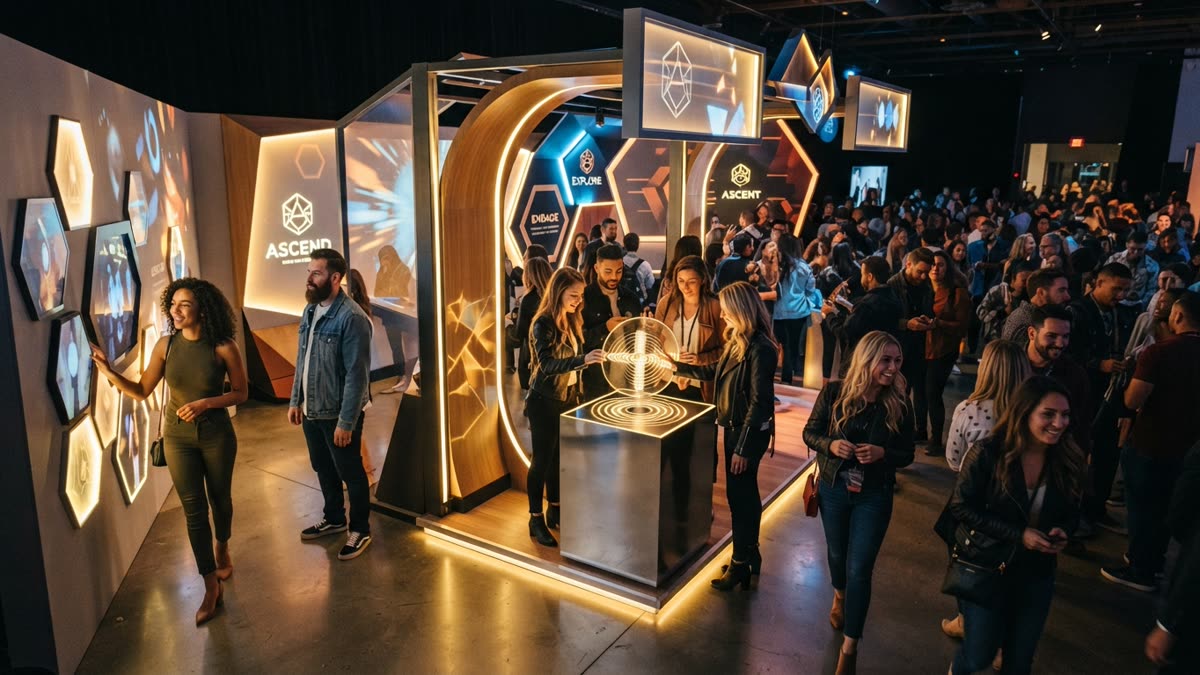
At an event, guests scan a QR code, take or upload one photo, pick a dance from the library and get their own video on their phone. The library is built from templates taken from real choreography, many from TikTok creators. A venue screen can play the videos as they finish, which gives the room something to watch and shows people who have not joined in yet what they are missing.
Three features matter in a corporate setting. The planner's logo and text can be placed on every video. Photos go through a moderation check before rendering. And surprise mode lets staff photograph attendees so the videos can be revealed together, which suits an all-hands moment or an awards segment.
The pricing model is why it can suit a small budget. SnapDance charges per video, not per hour, and there is no hardware, no transport and no operator to book. The published packages are:
- Mini Event: $149 for 25 videos
- Intimate Event: $299 for 50 videos
- Signature Event: $699 for 150 videos, which is $4.66 per video
- Large Events & Activations: custom quote
Extra video packs exist, but they are not priced publicly, so ask rather than assume. If your team is much larger than 150 and you expect many people to take part, the custom quote is the route to ask about.
If a per-video activity sounds right for your team, see how the events product works

Before: one guest photo
After: the video made from that photo
When SnapDance is the wrong purchase
A per-video product is not the right answer for every large team. These are the cases where we would point you elsewhere.
- The venue has weak reception. Guests need a connection to upload a photo and receive a video. A venue with bad reception is a bad fit, and a quiz on paper would serve you better.
- You want everyone to take part for one flat fee. Cost follows the number of videos. A quiz hosted by a colleague does not charge by participant, and a video activity does. For very large groups, that becomes a custom quote conversation rather than a cheap one.
- Nobody will announce it. This is the thing that goes wrong most often on the night. A QR code on a table is easy to ignore. Someone needs to say from the stage or the microphone what it is and how to use it.
- You want a specific move or routine. Guests choose from the library. If a dance is not in the library, the answer is no. Nobody can request an arbitrary movement.
- You need instant results. Clips are typically 10 seconds, with 20 and 30 seconds on some dances, and rendering takes a few minutes. It suits an evening, not a five minute break.
- Some colleagues will not want to upload a photo of themselves. That is a reasonable preference. Make participation optional and keep a second activity running so nobody feels left out.
A simple plan for the night
For most large corporate events on a tight budget, the best result comes from one anchor activity, one background layer and, if it suits your group, one phone-based extra.
- Pick an anchor activity that costs mostly time, such as trivia or a cross-team challenge, and name the person who runs it.
- Set up the background layer: a crowd-sourced playlist collected before the event.
- Decide whether SnapDance belongs at all. Check the venue's reception in the actual room, not just the lobby, and decide how many videos you realistically need.
- Choose who announces any phone-based activity, and when. Put it in the run of show next to the speeches.
- If you use a venue screen, confirm with the venue that you can show content on it.
- Make every activity optional, and keep at least two things going at once so a large room can spread out.
Notice that only one of those steps costs anything beyond preparation time. That is the point of the plan.
Test a dance on your own photo first
If you are unsure whether your colleagues would enjoy this, try it yourself before committing. The SnapDance consumer app works the same way the guests' experience does: upload one photo of yourself, pick a dance from the library, optionally pick music, and wait a few minutes for the clip to render.
New accounts get free credits before any payment is needed. Free renders carry a small watermark, while paid credits and a subscription render clean. The app is a fair preview of what guests would see, though it is not the same as the events product, which adds the QR flow, the venue screen and your branding.
You can preview the guest experience on your own photo before deciding, so try the app free
Questions people ask
What is the cheapest entertainment for a company event with hundreds of employees?
Activities where staff provide the labor are the cheapest: team trivia on guests' own phones, cross-team challenges, a staff talent show and a playlist built from requests. Their cost is mostly preparation time, so they scale to large headcounts. What they need is a clear host and clear instructions.
Can I run a corporate team event on a small budget without it feeling cheap?
Yes. Events usually feel cheap when nobody is running the activity or the room is too loud to follow it, not because the budget was small. One well-hosted anchor activity with a good playlist in the background usually works better than several unhosted extras.
How much does SnapDance cost for a corporate event?
It is priced per video, not per hour. The published packages are Mini Event at $149 for 25 videos, Intimate Event at $299 for 50 videos and Signature Event at $699 for 150 videos, which is $4.66 per video. Large Events and Activations is a custom quote. Extra video packs exist but are not priced publicly, so you would need to ask.
Will AI dance videos work if my venue has poor wifi or cell signal?
Probably not well. Guests need a connection to upload a photo and receive their video, so a venue with bad reception is a bad fit. Test the signal in the actual room before you book anything that depends on phones.
Do I need a photo booth operator or special equipment for a dance video activity?
No hardware, transport or operator is needed for the SnapDance events product. Guests use their own phones and a QR code. What you do need is someone to announce it, because the most common failure is guests never realizing it is there.
Can employees ask for any dance they want?
No. Guests choose from a library of dance templates taken from real choreography. If a particular dance is not in the library, it is not available, and it is not possible to request an arbitrary movement.