If a standard photo booth feels tired, you can swap in an instant camera table, a self-serve phone tripod, a shared QR photo album, a portrait artist or karaoke. Another option is AI dance videos, where each guest uploads one photo and gets a short clip of themselves dancing. SnapDance makes that last option, and it has real limits: a fixed dance library, a few minutes of rendering time, and a need for decent venue reception. Pick based on what you want guests to leave with, whether that is a print, a video or just a good moment.
Why people look past the standard photo booth
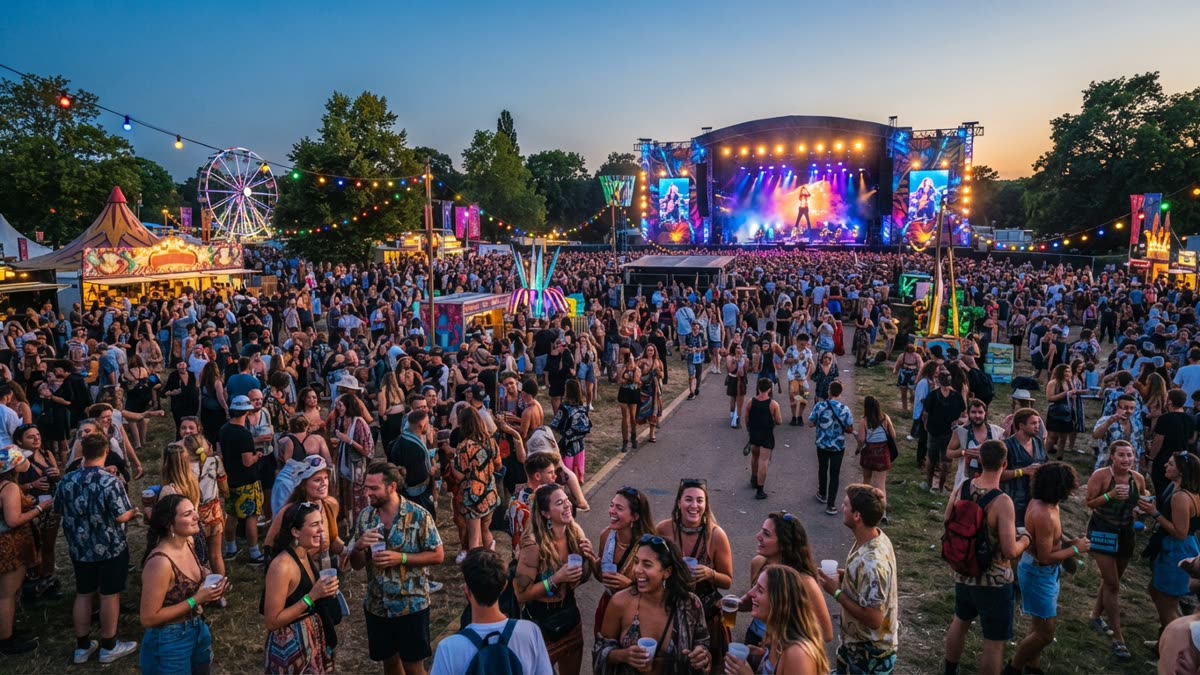
A traditional photo booth is a reasonable default: a backdrop, a box of props and a strip of pictures at the end. It also takes up floor space, usually needs someone to run it, and by the third hour of a holiday party the queue can be the main thing guests remember. If you want something different, there are several routes, from a simple table of supplies to app-based ideas.
This guide goes through the options and says where each one struggles. One disclosure up front: SnapDance, the company behind this blog, makes one of the tools covered here, so read our view with that in mind. We have tried to be as plain about its limits as about its strengths.
Before choosing, decide what you want guests to leave with. A physical keepsake, a video for their phone and a laugh in the moment are different goals, and they point to different alternatives.
Low-tech alternatives that still work
These need no software and very little planning. Costs vary a lot depending on what you already own, so we have not put numbers on them.
- Instant camera table. Guests walk away with a print they can pin to a board. Film runs out faster than most hosts expect, and someone has to keep an eye on supplies. Image quality is modest, which is part of the charm.
- Self-serve backdrop with a phone tripod. Put up a backdrop, a tripod and a light, and let guests use their own phones. No operator is needed. Results depend on the lighting and on guests being willing to fiddle with a timer.
- Disposable cameras on tables. Nobody sees the pictures until they are developed, so there is no instant payoff. Some people love that surprise. Others will never hand the camera back.
- Caricature or portrait artist. A one-of-a-kind keepsake and something to watch. It works one guest at a time, so queues form quickly at a larger party.
- Karaoke or a carol sing-off. Not a photo activity at all, but it fills the same role of giving guests a reason to gather. It needs a room where noise is welcome, and shy guests will sit it out.
- Ornament or ugly sweater station. Guests make something and then wear it or take it home. It needs supplies and table space, and it is slower than a quick photo.
The common limit is that each one asks guests to opt in and then wait their turn. If your party is large, that matters more than the novelty.
Digital options that skip the hardware
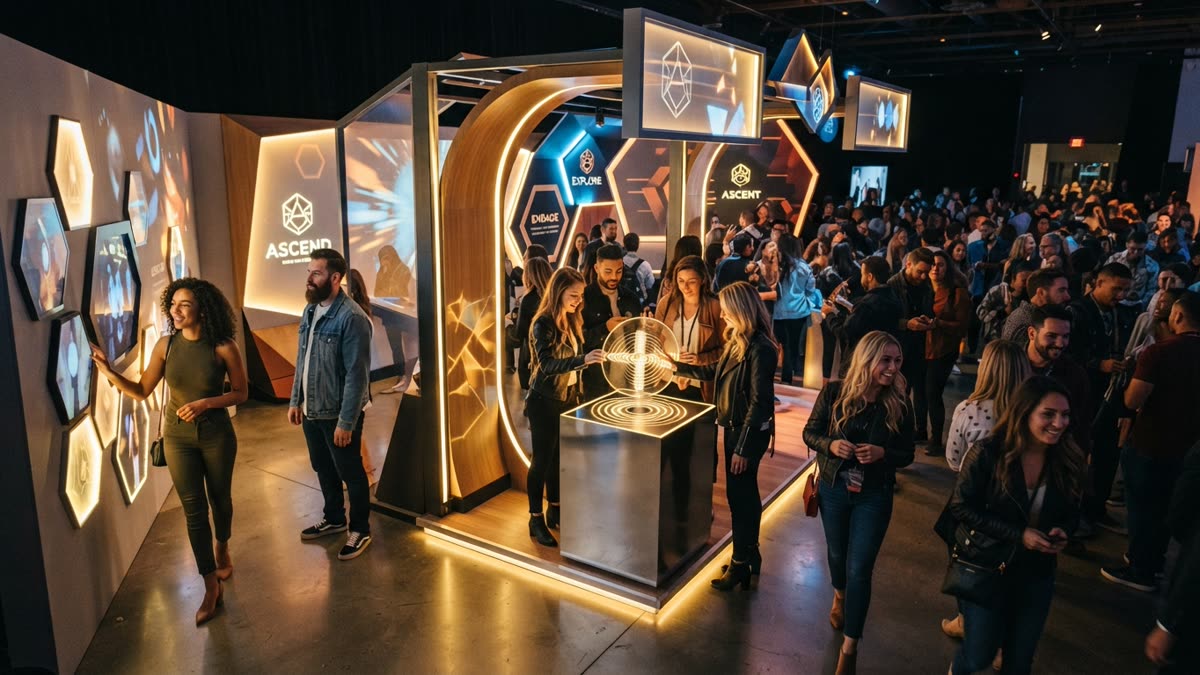
If you would rather not rent or move equipment, a few phone-based options exist.
- Shared photo album with a QR code. Guests scan a code and add their own pictures. It is simple to set up, but the album is only as good as the number of people who bother to upload, and nothing visible happens during the party.
- GIF and boomerang apps. Guests make short loops of themselves on their own phones. They are quick to use, though it is the same pose-and-smile activity as a booth in a smaller format.
- AI dance videos. A guest uploads one photo and gets a short clip of themselves doing a dance. This is the category SnapDance is in, and the next section explains how it works and where it falls short.
None of these require a person to stand beside a machine, which is the main reason hosts consider them. The trade-off is that you rely more on guests and on the venue.
How AI dance videos work
SnapDance has two products. The consumer app, available on the iOS App Store and Google Play and through the try page, lets one person make a clip. You upload one photo of yourself, pick a dance from a library of templates taken from real choreography (many from TikTok creators), optionally pick music, and the AI renders a short video of you doing that dance. Output is typically 10 seconds, with 20 and 30 second lengths on some dances. Rendering takes a few minutes, so it is not instant.
The main limit is that you cannot ask for an arbitrary movement. If a dance is not in the library, the answer is no. New accounts get free credits before any payment. Free renders carry a small watermark, while paid credits and a subscription render clean.
Upload one photo of yourself and see how it looks before the party: try the app.
The events product is built for planners, DJs, photo booth operators and venues. Guests scan a QR code, take or upload one photo, pick a dance and get their own video on their phone. A venue screen can play the videos as they finish. Planners can place a logo and text on every video, and photos go through a moderation check before rendering. There is also a surprise mode, where staff photograph attendees so the reveal can be coordinated instead of happening one guest at a time.
There is no hardware, no transport and no operator. That is the appeal, and it is also why the result depends on the venue and the guests rather than on a person standing next to a machine.
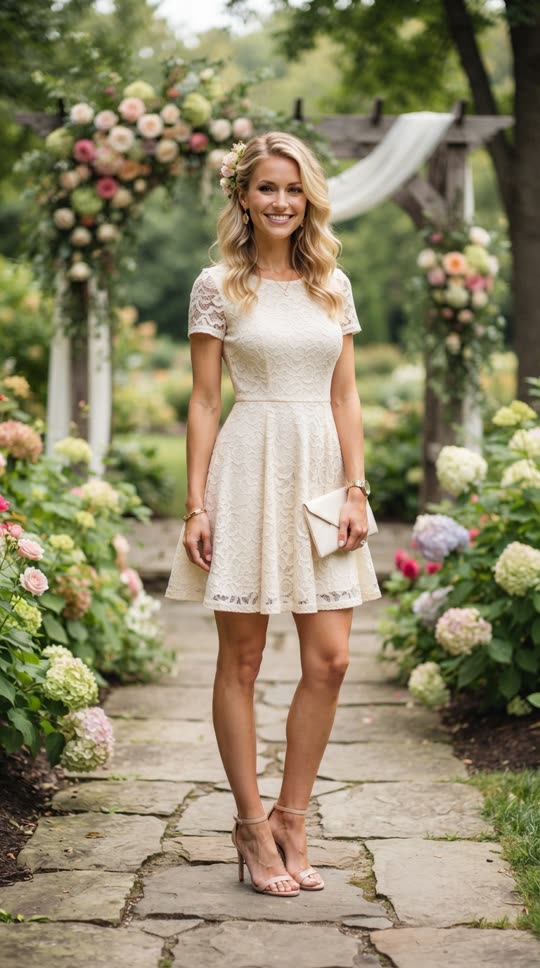
Before: one guest photo
After: the video made from that photo
Comparing the options side by side
The table puts a standard booth next to the alternatives above. It describes what each one asks of you, not which is best, because that depends on your party.
| Option | What guests get | What you set up | Main weakness |
|---|---|---|---|
| Traditional photo booth | Photo strip or digital copies | Hardware, usually an operator | Queues and floor space |
| Instant camera table | A physical print | Cameras and film, light supervision | Film runs out |
| Self-serve phone tripod | Photos on their own phone | Backdrop, tripod, light | Quality varies with lighting |
| Shared QR album | Pictures from everyone | A QR code and a link | Depends on guests uploading |
| Caricature artist | A hand-drawn keepsake | A booked artist and a table | One guest at a time |
| SnapDance events | Their own dance video on their phone | A QR code, optional venue screen | Fixed dance library, needs signal, needs announcing |
If you want the most tactile result, the instant camera table and the artist win. If you want the least equipment, the QR album and dance videos win. Nothing in the table is free of trade-offs.
When SnapDance is the wrong choice
We would rather you skip SnapDance than be disappointed on the night. It is a poor fit in these cases.
- Weak reception at the venue. The events product depends on venue connectivity. If guests cannot get a signal or the venue wifi is poor, uploads and delivery will struggle. Check this before you book, not during setup.
- You want a physical print. It produces videos on phones, not strips or prints. An instant camera table is the better choice.
- You want a specific move or a custom routine. The library is fixed. If your team's inside-joke dance is not in it, it cannot be made.
- You need instant results. Rendering takes a few minutes. Guests should expect to go back to the party and watch their video arrive.
- You want a group portrait. Each video starts from one photo, so it is not a substitute for a group shot.
- You are hosting a handful of friends at home. The consumer app may be all you need. The events packages are aimed at planners and larger groups.
Running it at a holiday party
The thing that most often goes wrong is not technical: nobody tells guests it exists. A QR code on a table is easy to ignore. Have the host or DJ announce it, put the code on a sign near the bar and the entrance, and play finished videos on the venue screen so guests can see what they might get.
Pricing for the events product is per video, not per hour. The published packages are Mini Event at $149 for 25 videos, Intimate Event at $299 for 50, and Signature Event at $699 for 150, which works out to $4.66 per video. Large Events & Activations is a custom quote. Extra video packs exist but are not priced publicly, so ask rather than assume. Because the price follows videos rather than hours, the length of the party does not change the cost. The number of guests who take part does.
A short checklist for the night:
- Test the signal in the room where guests will actually stand.
- Decide whether you want a logo and text on every video.
- Choose who will announce it before the party starts.
- Place the venue screen where people gather.
- Try the app yourself beforehand so you can answer questions.
If you already run a booth, SnapDance can sit alongside it rather than replace it, since it needs no extra hardware or staff.
Questions people ask
What are some fun alternatives to a photo booth at a Christmas party?
Good options include an instant camera table, a self-serve backdrop with a phone tripod, a shared QR photo album, a caricature artist, karaoke, and AI dance videos where each guest uploads one photo and gets a short clip of themselves dancing. Which one fits depends on whether you want a physical keepsake, a video or just an activity.
What is a low-effort alternative to a photo booth for an office holiday party?
A self-serve backdrop with a tripod and a light needs no operator, and a shared QR album needs only a link. Both rely on guests taking part, so announce them at the party. Costs depend on what you already own.
Can guests get a dance video of themselves at a party without any equipment?
Yes, with the events product. Guests scan a QR code, take or upload one photo, pick a dance and get a video on their phone. There is no hardware or operator, but it needs decent venue connectivity and someone to tell guests it exists.
Will an AI dance video station work if the venue has bad wifi?
Probably not well. It depends on venue connectivity for uploads and delivery, so a venue with poor reception is a bad fit. Test the signal where guests will stand before you commit.
How much does it cost to add AI dance videos to a Christmas party?
The events product is priced per video. Mini Event is $149 for 25 videos, Intimate Event is $299 for 50, and Signature Event is $699 for 150, or $4.66 per video. Large events are a custom quote. Extra video packs exist but are not priced publicly.
Can I ask the AI to make any dance I want?
No. You choose from a library of dance templates taken from real choreography. If the dance you want is not in the library, it cannot be made.