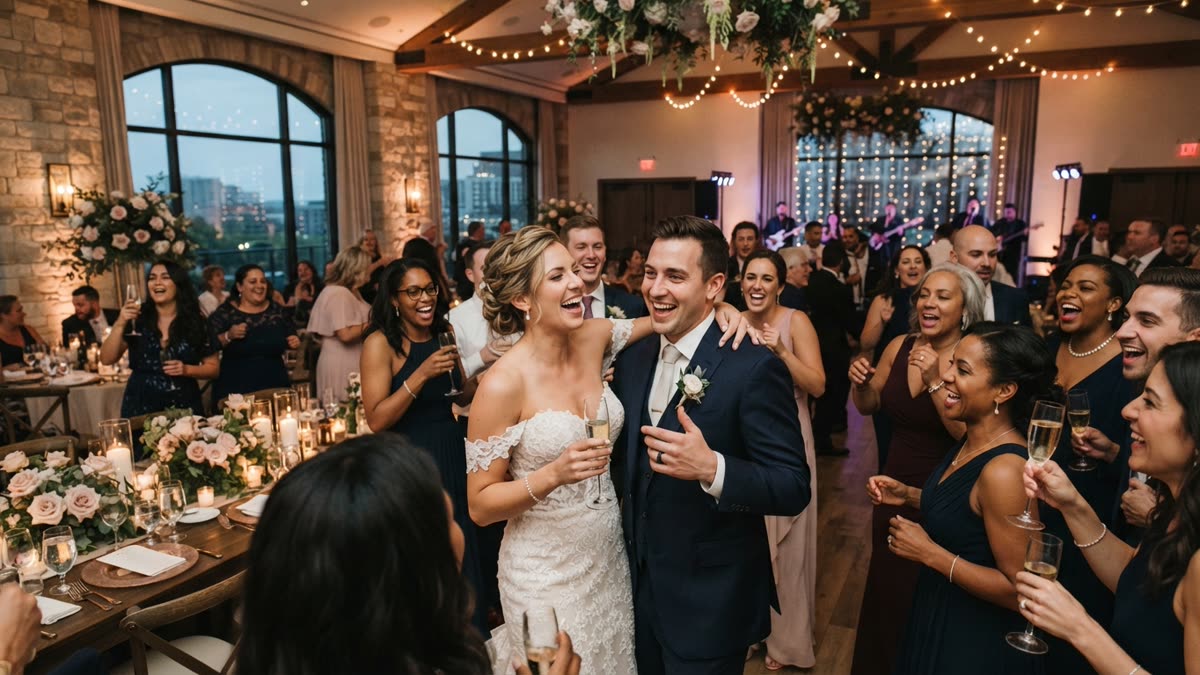
Guests join in when the first step is small, private and well timed, when a named person announces it, and when the couple or wedding party go first. Dance floor games, booths, table cards and QR code activities each suit different crowds. SnapDance makes one QR code option, which needs good venue reception and someone to announce it.
Why guests hold back
Most guests are not against joining in. They are unsure what is expected of them. A wedding puts relatives, old friends and people who know only the person they came with in one room, and the entertainment can feel like a performance for someone else. Before you pick any activity, it helps to name what is actually stopping people.
- They do not know it exists. A booth in a corner or a card in a stack of paper is easy to miss.
- It costs too much effort or too much exposure. Anything that asks a guest to perform in front of the room, download something or create an account will lose people.
- There is no natural moment. If the activity competes with the toasts, the food or the first dance, most people will choose the food.
- Nobody went first. People copy what they see others do. An empty activity looks like a bad one.
I cannot give you a reliable figure for what share of guests will join any given activity, and anyone who quotes you one for your wedding is guessing. What you can control is how easy the first step is, how visible the invitation is and how well it is timed. The rest of this guide is built around those three things.
Make the first step small
The best participation ideas share one trait: a guest can start in under a minute, from where they are standing or sitting, without being watched.
- One action to start. Scan, tap or pick up a prop. Not a form, not an account.
- Private by default. Let people take part on their own phone or at their own table, and share the result only if they want to.
- Something for different ages. Your grandmother and your university friends will not want the same thing. Offer a quiet option next to a loud one.
- Fits between other things. Cocktail hour, the gap while the couple have their portraits taken and the wait between courses are moments when guests have time and a phone in hand.
A reward the guest keeps also helps. A printed photo, a video on their phone or a small favour gives people a reason to bother, and something to show other people afterward.

Tell people, and have someone go first
The most common reason an activity fails is not that guests dislike it. Nobody told them it was there. Plan the announcement as a real task with a named owner.
- Give the announcement to someone. The MC, the DJ or a talkative friend. One sentence at cocktail hour and another before dinner is enough: what it is, where to find it and how long it takes.
- Put it where eyes already are. Table cards, a sign by the bar, the welcome sign or a line in the programme.
- Seed it. Ask the wedding party and a few outgoing relatives to try it early, so the first guests who look see activity rather than an empty setup.
- Have the couple join. If the couple do it, it stops feeling like homework and becomes part of the party.
- Close the loop. If results can appear on a screen or be mentioned by the MC, guests see the payoff and the late joiners follow.
Ask your DJ or planner to put the announcement in the run of show. If it is not written down, it tends to be forgotten once the evening gets busy.
Common options compared
No single activity works for every crowd, and many weddings combine two or three. This table compares what each asks of a guest and what usually goes wrong.
| Option | What a guest does | What it needs | Main risk |
|---|---|---|---|
| Dance floor games led by a DJ or MC | Joins in publicly, as a group | A host who is good at reading a room | Guests who dislike being watched stay seated |
| Photo booth with props | Steps in, poses, collects a print or file | Booth hardware and often an attendant | Queues, and guests drift off if the line is long |
| Table question cards or trivia | Answers at their own table | Printing and someone to collect or read answers | Quiet tables ignore it, and it adds little energy |
| Guest video message station | Records a message to the couple | A camera setup and someone to explain it | Some guests freeze on camera |
| QR code AI dance videos (SnapDance events product) | Scans a code, uploads one photo, picks a dance, gets a video on their phone | No hardware, transport or operator, but phone signal | Poor venue reception, and nobody announcing it |
The first four are familiar for good reason. They work, and a good DJ or booth attendant does a lot of the encouraging for you. The last one is newer and has its own limits, covered next.
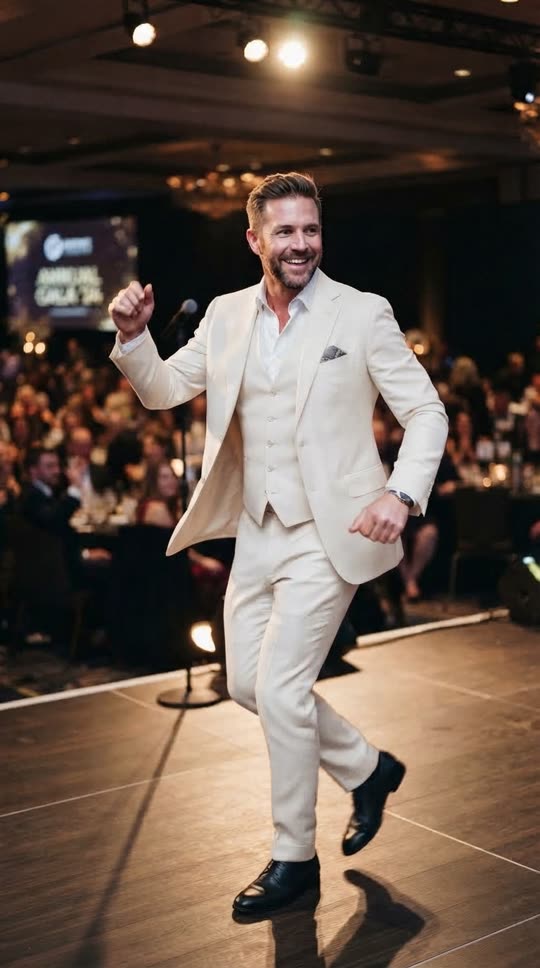
Before: one guest photo
After: the video made from that photo
Where SnapDance fits
SnapDance, the company that publishes this blog, makes the product described in this section, so read it with that in mind. It is one option among several, and it suits some weddings and not others.
The basic idea is simple. A person uploads one photo of themselves and picks a dance from a library of templates taken from real choreography, many of them from TikTok creators. They can optionally pick music, and the AI renders a short clip of them doing that dance. The clip is typically 10 seconds, with 20 and 30 second lengths on some dances, and rendering takes a few minutes. The main limit is that nobody can request an arbitrary movement. If the dance is not in the library, the answer is no.
The events version of the product is built for planners, DJs, photo booth operators and venues, and it removes most of the effort for guests:
- Guests scan a QR code, take or upload one photo, pick a dance and get their own video on their phone.
- A venue screen can play the videos as they finish, which gives the room something to watch and a reason for others to join.
- Surprise mode lets staff photograph attendees for a coordinated reveal, which suits a moment you want to stage rather than leave to chance.
- The planner's logo and text can be placed on every video, for example a couple's names or a hashtag.
- Photos go through a moderation check before rendering.
Pricing is per video, not per hour. The published packages are Mini Event at $149 for 25 videos, Intimate Event at $299 for 50 videos and Signature Event at $699 for 150 videos, which is $4.66 per video. Large Events and Activations is a custom quote. Extra video packs exist but are not priced publicly, so ask rather than assume a number. Because the unit is a video and not a guest, think about how many each person is likely to make, not just your headcount. There is no hardware, no transport and no operator.
If you plan weddings for couples or run a venue, see the events product.
Running it on the night
The events product depends on venue connectivity. Guests upload a photo and receive a video over the network, so a stone barn, a cellar venue or a field with weak reception is a bad fit. Before you commit, stand in the reception room, near the bar and at the far tables, and check that a phone on mobile data loads a web page quickly. Ask the venue what Wi-Fi guests can use.
The other thing that goes wrong is silence. If nobody announces it, guests walk past a QR code the way they walk past a guest book. Treat the announcement as part of the setup:
- Print the QR code on table cards, and put it on a sign near the bar and at the entrance to the reception room.
- Write one line for the MC or DJ: what it is, how long it takes and that the videos will appear on the screen.
- Open it early. Rendering takes a few minutes, so a guest who scans during cocktail hour has a video by the time dinner starts, and the screen has something to show.
- Ask the wedding party to make theirs first.
- Decide who watches the screen and who answers questions. With no operator on site, a friend or the planner needs to own this.
If you want a staged moment, surprise mode is built for it: staff photograph attendees, and the videos are revealed together rather than trickling out. That takes more planning than an open QR code, so decide early which one you want. With SnapDance, photos pass a moderation check before rendering, which is worth mentioning to a venue that asks what could appear on its screen.
When to skip it, and how to try it first
It is the wrong choice in several situations, and it is better to know that now.
- The venue has poor reception. Without a reliable connection the flow stalls.
- Nobody will announce it. If you cannot name the person who will, pick something that works without an announcement, such as a DJ-led game.
- Most guests do not use smartphones, or you want an unplugged wedding. A phone-based activity will not reach them.
- You want a specific dance that is not in the library. Arbitrary movements cannot be requested.
- You want real footage of real people dancing. The clips are AI renders from one photo, not recordings.
If none of those apply, test it before you book anything. The consumer app takes one photo of you and a dance from the library, and renders a clip in a few minutes. New accounts get free credits before any payment. Free renders carry a small watermark, while paid credits and a subscription render clean. Try a dance with your own photo, show it to a sceptical relative and see whether it gets the reaction you want from a room. The app is on the iOS App Store and Google Play, and SnapDance also offers a web try page.
Test a dance on your own photo with free credits before the wedding and try the app.
Questions people ask
How do I get shy wedding guests to join in the entertainment?
Make the first step small and private, such as scanning a code at their own table, so they are not performing in front of the room. Have the MC announce it, ask the wedding party to go first, and offer something they keep afterward. Shy guests rarely respond to pressure, but they often respond to an option that lets them take part quietly.
What is the easiest wedding activity for guests who do not want to dance?
Anything they can do from their seat in under a minute: table question cards, a guest video station or a QR code activity on their phone. The best choice depends on your crowd and venue. A phone-based option needs good reception and a clear announcement.
How do wedding guests make an AI dance video at a reception?
In the SnapDance events product, guests scan a QR code, take or upload one photo, pick a dance from the library and get their own video on their phone. Rendering takes a few minutes, and a venue screen can play the videos as they finish. Photos go through a moderation check before rendering.
How much does it cost to give wedding guests AI dance videos?
Pricing is per video, not per hour. Mini Event is $149 for 25 videos, Intimate Event is $299 for 50 videos and Signature Event is $699 for 150 videos, which is $4.66 per video. Large Events and Activations is a custom quote. Extra video packs exist but are not priced publicly, so you would need to ask.
What happens if my wedding venue has bad phone signal?
Then this is probably the wrong choice. The events product depends on venue connectivity, because guests upload a photo and receive a video over the network. Test reception in the reception room before you book, and pick a non-phone activity if it is unreliable.
Can guests pick any dance they want for an AI dance video?
No. Guests choose from a library of dance templates taken from real choreography, many from TikTok creators. If a dance is not in the library, it cannot be requested, and the AI will not invent an arbitrary movement on demand.