AI dance videos take your identity from one photo and the movement from a reference dance, then generate new video frames that combine the two. The result is a short, playful clip, not a recording of you. The main limits are a single-angle photo, glitchy hands and clothing, short clip lengths and a fixed set of dances. SnapDance's app and events product work this way and share these limits, and this guide says when they are the wrong choice.
What an AI dance video actually is
An AI dance video is a short clip in which a person from a still photo appears to perform a dance they never actually did. You supply the photo. The system supplies the movement, usually borrowed from a reference performance, and generates new video frames in which your face, hair, clothes and body shape follow that motion.
The results can be funny, surprisingly convincing, or occasionally strange, and which one you get depends partly on things you control, such as the photo you choose. This guide explains the mechanics in plain terms, then spends most of its time on what the technology cannot do.
A note on bias: SnapDance makes products in this category, both a consumer app and an events product. We use them as examples because we know them, and we say where they are the wrong purchase.
How the technology works, step by step
Vendors rarely publish the details, and tools differ, so this is the general pattern rather than a description of any one system.
- Read the photo. The model finds the person, separates them from the background, and estimates where the head, shoulders, arms, hips and legs are. Anything the photo does not show, such as the back of your head or legs hidden behind a table, has to be guessed.
- Read the reference motion. A dance is captured from existing choreography as a sequence of body positions over time. Think of it as a moving skeleton, not a recording of the dancer's appearance.
- Transfer the motion. The system maps that sequence onto the body found in your photo, adjusting for different proportions such as height or arm length.
- Generate the frames. A video generation model paints each frame so the person still looks like your photo while moving the way the reference does. This is the compute-heavy step, which is why a render takes minutes rather than seconds.
- Add music and export. Audio is laid over the clip and the finished video is saved or shared.
The central idea is separation. Identity comes from your photo and movement comes from somewhere else. That is what makes the technique work, and it also explains most of its limits, because the model is constantly reconciling two sources that were never filmed together.
Why it is not just a filter
A face filter edits pixels that already exist in a live camera feed. A dance video has to invent pixels that were never captured: the side of your torso, your arms mid-swing, the fabric of your shirt as you turn. That invention is where both the novelty and the errors come from.
What this looks like in the SnapDance app
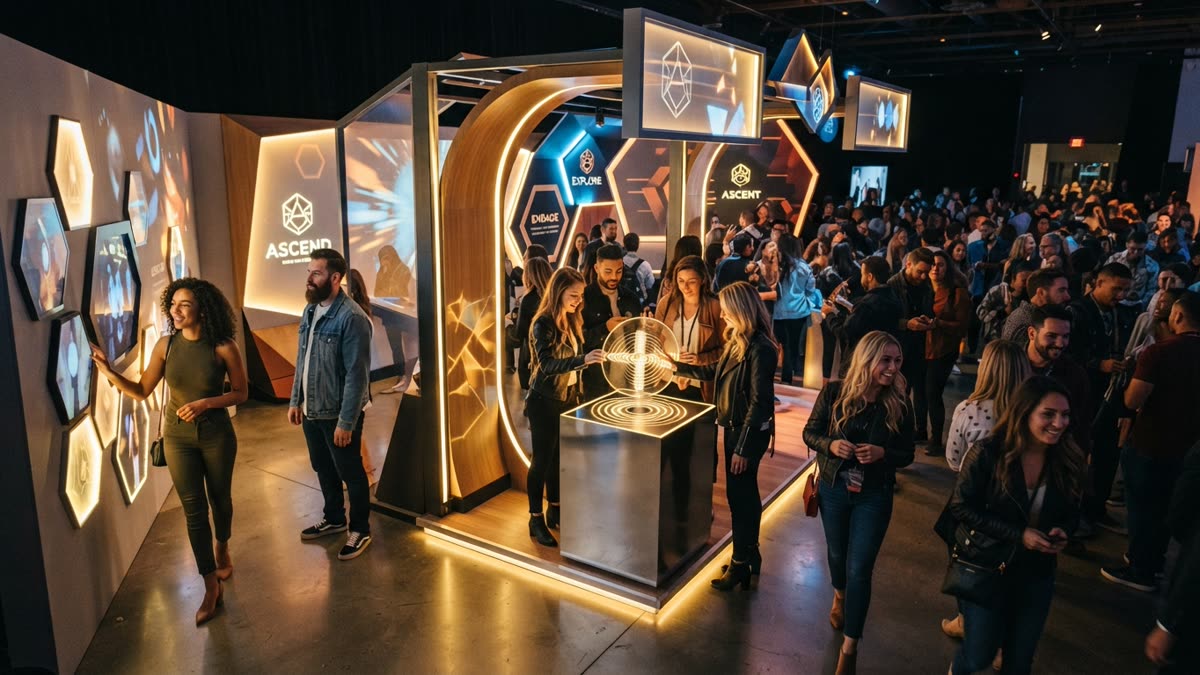
In the SnapDance consumer app (iOS App Store, Google Play, or snapdance.app/try), the flow is deliberately short. You upload one photo of yourself, pick a dance from a library of templates taken from real choreography, many of them from TikTok creators, optionally pick music, and wait a few minutes for the render.
The output is typically 10 seconds long, with 20 and 30 second lengths available on some dances. New accounts get free credits before any payment is needed. Free renders carry a small watermark, while paid credits and a subscription render clean. We are not quoting subscription prices here, so check the app for current ones.
The constraint that matters most is the library. You cannot ask for an arbitrary movement. If the dance is not in the library, the answer is no. That makes SnapDance a pick-a-dance tool, not a general video generator, and if you want a custom routine or a specific move you will need something else.
To see how your own photo handles a dance, upload one photo and try a free render in the app.
The limits you should expect
Most disappointment with AI dance videos comes from expecting a filmed recording. It is closer to a generated impression of you doing a dance. Here is where that shows.
- One photo is not much information. The model sees you from a single angle in a single pose. When the dance turns you around or raises your arms, it fills in the missing parts from general knowledge of how people look, not from knowledge of you.
- Hands and feet are hard. Fingers, and feet in fast footwork, are common places for generated video to blur, merge or bend oddly. Expect to notice this on close inspection.
- Clothing and hair can misbehave. Loose sleeves, long hair, scarves and accessories may move in ways that do not match real physics, or change slightly from one moment to the next.
- Photo quality carries through. A sharp, well lit, front facing photo with your whole body visible gives the model the most to work with. Blurry shots, heavy filters, sunglasses, cropped bodies and group photos make the result less reliable.
- Likeness can drift. During fast movement, a face may look a little less like you than it does in the photo. Some people never notice this and others find it distracting.
- Clips are short. Ten seconds is typical. This is a shareable moment, not a performance.
- The choreography is fixed. You choose from existing dances. You do not direct new ones.
- It is not instant. A few minutes per render is fine for one clip and slower than it sounds when a group is waiting.
None of this makes the technology useless. It does mean it suits light, playful uses and does not suit anything where accuracy matters, such as a clip meant to show a real person's actual skill or a formal record of an event.
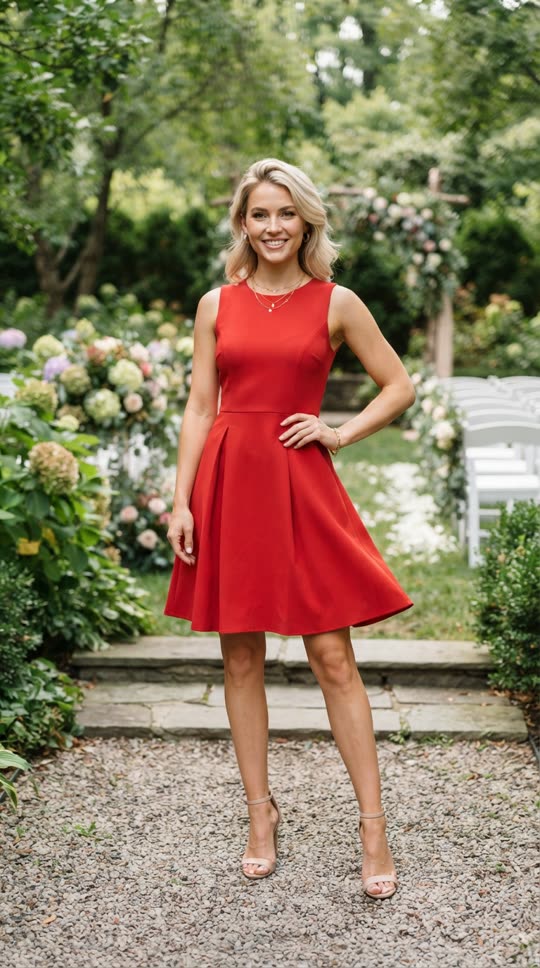
Before: one guest photo
After: the video made from that photo
AI dance video compared with the alternatives
It helps to see AI dance video next to the options people actually weigh. The table is qualitative, because the right choice depends on your situation.
| Approach | What you need | Who controls the movement | Main limitation |
|---|---|---|---|
| AI dance video from one photo | A single photo and a phone or browser | The template library | Short clips, fixed dances, occasional visual glitches |
| Filming yourself dancing | Space, a camera, and some ability to learn the routine | You | Takes effort and skill, and the result depends on both |
| Hiring a dancer or video crew | Budget and scheduling | The performer and director | Cost and logistics, and the person on screen is not your guest |
| Staffed photo or video booth at an event | Hardware, transport, an operator | Guests, within the booth's format | Physical footprint and the need for someone to run it |
The honest summary: if you want to see your own face in a specific, real dance with almost no effort, an AI dance video is a good fit. If you want to actually dance, or you need broadcast quality, it is the wrong tool.
The events version, and what goes wrong on the night
The same technique has an events version. SnapDance's events product is built for planners, DJs, photo booth operators and venues. Guests scan a QR code, take or upload one photo, pick a dance, and receive their own video on their phone. A venue screen can play the videos as they finish, the planner's logo and text can be placed on every video, and photos go through a moderation check before rendering.
There is also a surprise mode. Staff photograph attendees, and the videos are revealed together in a coordinated moment rather than guest by guest.
How it is priced
Pricing is per video, not per hour. The published packages are:
- Mini Event: $149 for 25 videos
- Intimate Event: $299 for 50 videos
- Signature Event: $699 for 150 videos ($4.66 per video)
- Large Events & Activations: custom quote
Extra video packs exist, but SnapDance does not publish their prices, so we will not guess at a figure. Ask when you enquire. There is no hardware, no transport and no operator to book.
What goes wrong on the night
Two things. First, the product depends on venue connectivity, because guests need to upload a photo and receive a video, so a venue with bad reception is a bad fit. Second, nobody announces it to guests. With no operator on site, the QR code only works if someone, such as the DJ, the MC or the planner, tells people it exists. Build that announcement into the run of show.
If you plan events and want every guest to get their own dance video, see the events product.
When an AI dance video is the wrong choice
Skip it if any of these are true:
- You need a custom or original routine. The library is fixed.
- You need a long clip. Ten seconds is typical and 30 seconds is the longest some dances offer.
- You need a faithful recording of a real performance. This generates an impression, not a record.
- You are planning an event at a venue with weak mobile or Wi-Fi coverage.
- You want a person at your event running a hands-on booth. SnapDance's events product has no operator by design.
Otherwise, the lowest-risk way to judge the technology is to try it on yourself. New accounts get free credits, so you can see how your own photo handles a dance before paying anything, with a small watermark on free renders as the trade-off.
Questions people ask
How do AI dance videos work from just one photo?
The system reads the photo to find your face, body and clothing, then takes a sequence of movements from a reference dance and maps it onto your body. A video generation model then paints new frames so you look like your photo while moving like the reference. Anything the photo does not show, such as your back or the sides of your body, is estimated by the model.
Can an AI dance video do any dance or move I ask for?
Not in SnapDance. You pick from a library of dance templates taken from real choreography, and if a dance is not in the library the answer is no. Other tools may allow more freedom, but you should expect quality to vary the further a request is from existing choreography.
How long does it take to make an AI dance video, and how long is the clip?
In the consumer app described in this guide, rendering takes a few minutes. Clips are typically 10 seconds, with 20 and 30 second lengths on some dances. Other tools differ, but generating video is compute-heavy, so expect minutes rather than instant results.
Why do AI dance videos sometimes look weird or glitchy?
The model is inventing pixels that were never photographed. Hands, feet, loose clothing, long hair and the parts of your body hidden in the original photo are the usual trouble spots. A sharp, well lit, front facing photo showing your whole body reduces the problems but does not remove them.
Are AI dance videos a good idea for a wedding or party, and what can go wrong?
They work well as a light, optional activity where each guest gets their own clip. The two common failures are poor venue connectivity, since guests need to upload a photo and receive a video, and nobody telling guests it exists. Events pricing is per video, not per hour, with published packages at $149 for 25 videos, $299 for 50 and $699 for 150.