A crowd of 100 or more is several groups with different comfort levels, so the best plan offers choice: a music anchor, a hosted moment or two, and a few optional activities that run in parallel. AI dance videos are one such option. SnapDance, which makes them, prices its events product per video (Signature Event is $699 for 150 videos), and it needs good venue connectivity and someone to announce it. It is the wrong pick for a venue with weak reception or a crowd that wants live dancing.
Why 100 guests is a different problem
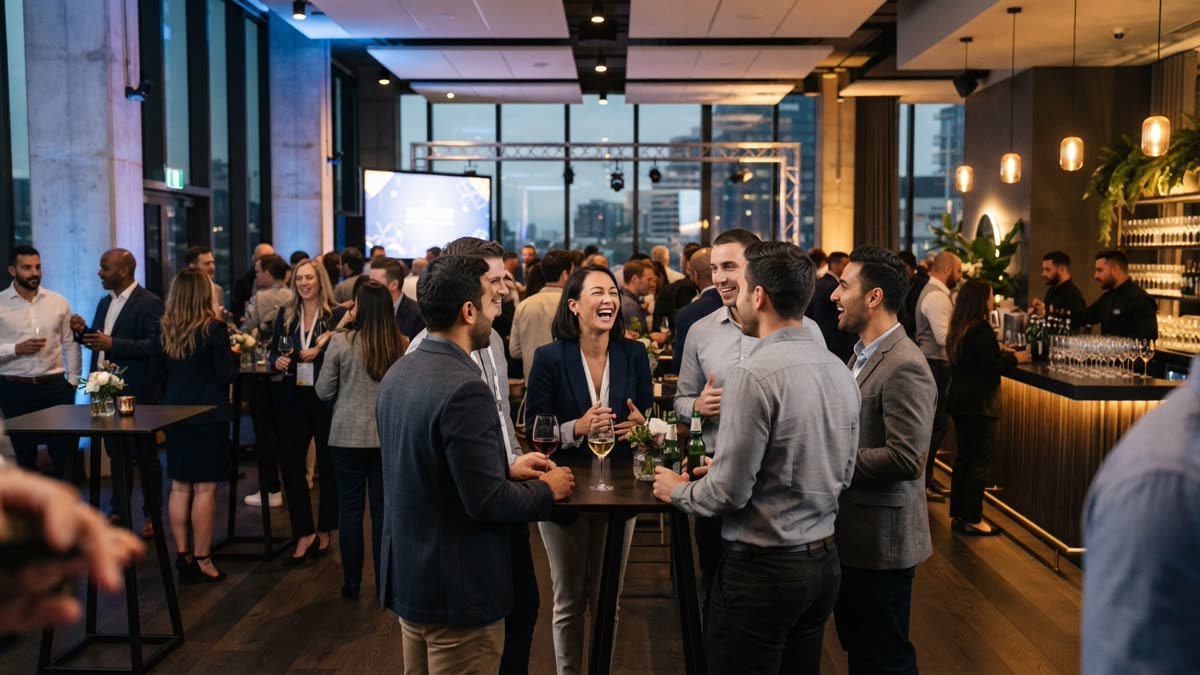
A room of 100 or more people is not one audience. It is a handful of overlapping groups: the people who will be on the dance floor by the second song, the people who will stay near the bar all night, new hires who know two colleagues, managers who feel obliged to circulate, and guests who plan to leave after dinner. Any single activity that asks for everyone's attention at once will work for part of the room and lose the rest.
The more useful goal is choice. Give people several things to do, make each one easy to skip, and make none of them mandatory. A guest who would never pick up a microphone may be happy to scan a code on a table. A guest who dislikes small talk may be glad to have something to hold and show a colleague.
It also helps to be realistic about scale. Anything that needs one operator for every small cluster of guests, or that creates a queue that never clears, will frustrate people more than it entertains them. Look for activities that run in parallel, where guests take part on their own schedule.
Plan the evening in four moments
Most corporate parties follow the same arc, and each stage has a different job for entertainment.
Arrival
People are most awkward and most available when they walk in. Put something near the door that gives them a reason to talk: a prompt on a table, a welcome drink with a small task, a photo moment. Keep it light, because coats, name tags and queues are already doing their share of the work.
The meal
A seated dinner gives you a captive audience, and that is both an opportunity and a risk. Short hosted segments between courses, such as a few awards or a quick game played from the table, tend to land better than a long block of speeches. Table-level activities help because nobody has to leave their seat.
Mid-evening
This is where the room usually splits. Some guests want music and a dance floor, others want to sit and talk. Rather than forcing one mood, run music for the people who want it and keep quieter options available for everyone else: games, a booth, a lounge area.
The close
End on a shared moment such as a raffle, a thank-you from leadership, or a screen showing highlights from the night. A clear ending gives the party a shape instead of a slow trickle toward the coat check.
Comparing the usual options
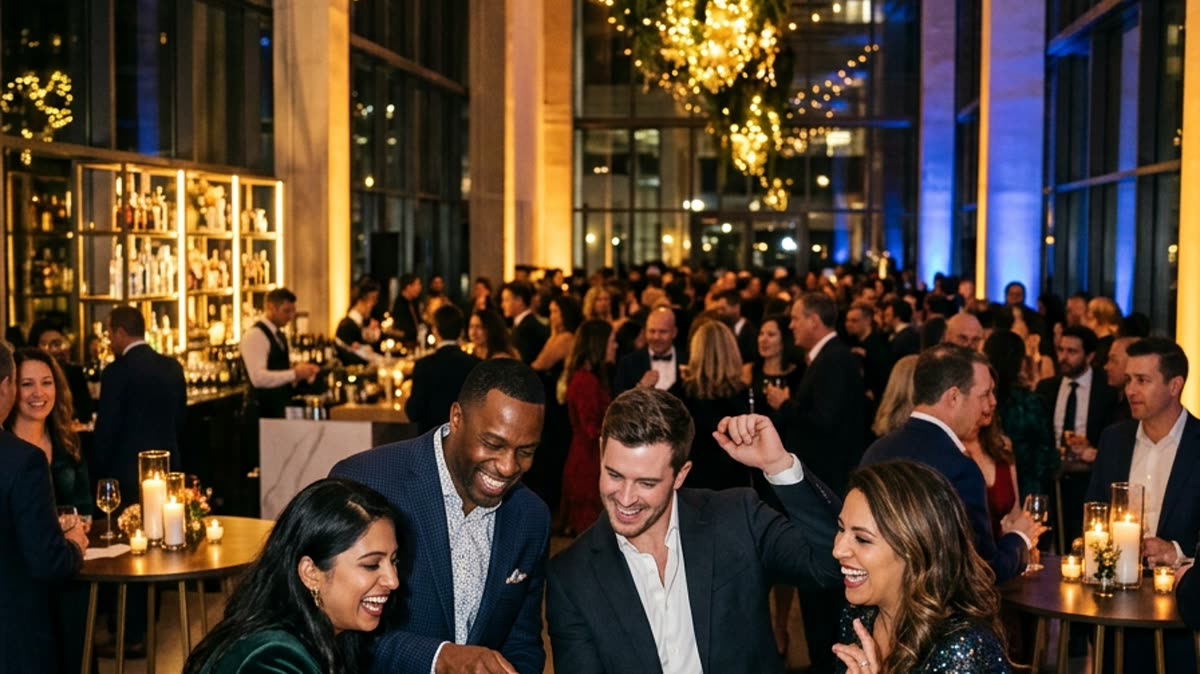
No single option covers a large, mixed crowd. This table summarises how the common choices behave at this size. It is a general guide, and your venue, budget and company culture will shift the answers.
| Option | Works well for | Watch out for | Staffing |
|---|---|---|---|
| DJ or live band | Setting the mood, giving dancers a floor | Guests who do not dance have nothing else to do | Performers and a sound setup |
| Photo booth with operator | Keepsakes and a reason to mingle | Queues form quickly with a large group | An operator and physical equipment |
| Hosted trivia or team game | Uniting tables, mixing departments | Loses people if it runs long or the room is noisy | A confident emcee |
| Casino tables or game stations | Giving small groups something to do | Needs space and dealers or hosts | Several hosts |
| Karaoke | Outgoing groups and a long evening | A few performers, many spectators | A host and equipment |
| AI dance videos (SnapDance events) | Parallel, self-paced participation from a phone | Needs venue connectivity and an announcement | No operator or hardware, but someone must tell guests |
Most strong parties pair a music anchor with one hosted moment and one or two optional activities. The options are not rivals so much as layers.
Where AI dance videos fit
SnapDance is the company behind this blog, so weigh this section with that in mind. It makes an events product designed for rooms like this one.
The flow is simple. Guests scan a QR code, take or upload one photo, and pick a dance from a library of templates taken from real choreography. They get their own video on their phone. Clips are typically 10 seconds, with 20 and 30 second lengths on some dances. Rendering takes a few minutes, so guests submit a photo and carry on with the evening instead of waiting at a station.
For the planner, there are a few controls. A venue screen can play videos as they finish. Your logo and text can be placed on every video. Photos go through a moderation check before rendering. Surprise mode lets staff photograph attendees for a coordinated reveal, which suits a leadership team or an award moment. There is no hardware, no transport and no operator to book.
How it is priced
The events product is priced per video, not per hour. The published packages are Mini Event at $149 for 25 videos, Intimate Event at $299 for 50, and Signature Event at $699 for 150, which is $4.66 per video. Large Events & Activations is a custom quote. Extra video packs exist, but they are not priced publicly, so ask rather than assume.
For a party of 100 or more, the Signature package is the published one that covers a full room. Not every guest will make a video, so base your choice on how many you expect to take part, and ask about extra packs if you want headroom.
See how the events product works for a party of your size.
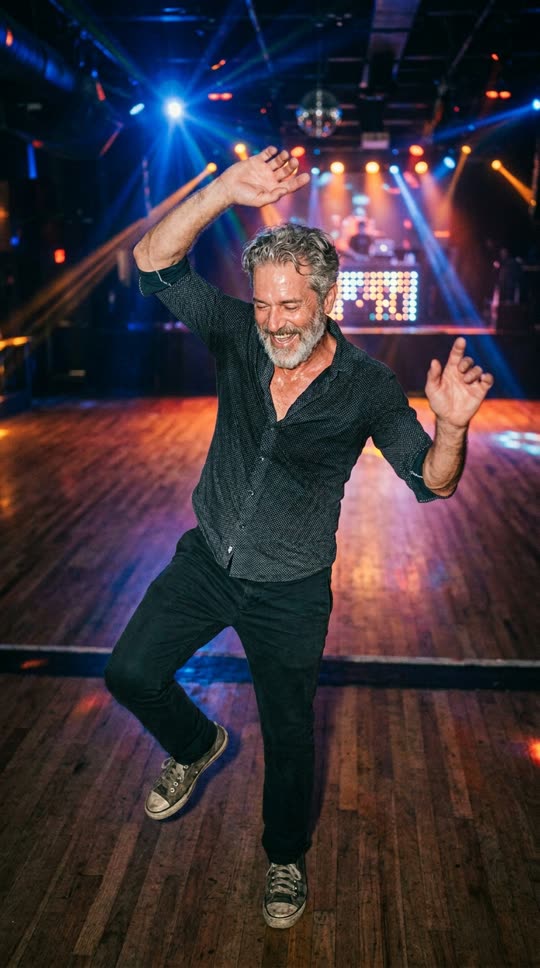
Before: one guest photo
After: the video made from that photo
When it is the wrong purchase
AI dance videos are a good fit for some parties and a poor one for others. Skip them, or at least think twice, in these cases.
- The venue has poor reception. The product depends on connectivity. A windowless ballroom or a basement with weak signal is a bad fit. Check with the venue before you commit.
- Guests expect any movement they like. Guests choose from the library. If a dance is not in it, the answer is no, and the product cannot generate an arbitrary request.
- You want live dancing or a physical keepsake. The output is a short video on a phone, not a dance floor or a printed photo.
- Nobody will announce it. This is the other thing that goes wrong on the night. QR codes left on tables with no mention from the host often go unscanned.
- Your culture is wary of face-based content. Make participation optional, and keep other activities running for people who would rather sit it out.
Test it yourself first
Before you book anything for the company, try the consumer version on your own phone. SnapDance's app lets you upload one photo, pick a dance and see what you get. New accounts get free credits before any payment. Free renders carry a small watermark, while paid credits and a subscription render clean. It will show you how the output looks and how long a render takes.
Upload one photo and make your own dance clip free in the app.
Running it on the night
The technology is the easy part. What decides whether guests use it is how you introduce it. A few practical points:
- Have the emcee or DJ announce it. A short, friendly mention, repeated once or twice during the evening, matters more than the number of QR codes.
- Place codes where people pause. Tables, the bar and the welcome area work well, along with a code on the venue screen.
- Show the videos. A screen that plays finished clips gives the room something to react to and prompts others to join in.
- Explain the wait. Rendering takes a few minutes. Tell guests to scan, submit and go back to their drink, and the video will be on their phone shortly.
- Keep branding short. A logo and a line of text on every video is enough, and anything longer gets in the way of the clip.
- Use surprise mode for one moment. Staff can photograph attendees earlier in the evening for a coordinated reveal, which works well for a team or leadership segment.
- Run a real test. Before doors open, scan the code in the room and render a clip, so you know the connection holds where guests will be standing.
Moderation runs on photos before rendering, but it is still worth setting expectations with guests. Make it clear that taking part is a choice.
A short planning checklist
- Decide your anchor: a DJ or band that sets the mood for the evening.
- Choose one or two hosted moments, such as awards or a short game, and keep them brief.
- Add parallel, optional activities so that guests who do not dance still have something to do.
- If you want AI dance videos, confirm venue connectivity first, then estimate how many guests will take part and pick a package to match. Ask SnapDance about extra packs if you want room to grow.
- Assign one person to announce activities and repeat the announcement later.
- Decide what branding you want on videos, and whether a surprise mode reveal suits your program.
- Test everything in the room before guests arrive.
Done well, the result is a party where people choose how much to take part, and nobody is left standing at the edge of a single activity they did not want to do.
Questions people ask
How do I entertain 100 people at a corporate holiday party without forcing anyone to join in?
Offer several optional activities that run at the same time instead of one big group event. Pair a music anchor with one or two short hosted moments, then add self-paced options such as table games, a photo booth or phone-based activities. Make every activity easy to skip.
What are the best activities for a large company holiday party?
Mix a music anchor such as a DJ or band with a hosted moment like awards or trivia, plus optional extras such as game stations, karaoke or AI dance videos. No single activity suits everyone, so layering them works better than relying on one.
How many AI dance videos do I need for 100 guests?
It depends on how many guests you expect to take part, not on headcount alone. The Signature Event package covers 150 videos for $699, while the Intimate Event package covers 50 for $299. Extra video packs exist but are not priced publicly, so ask about them if you want more headroom.
Do AI dance videos work at a venue with bad wifi or weak signal?
Not reliably. The events product depends on venue connectivity, so a venue with bad reception is a bad fit. Test the signal in the actual room, and render a clip there, before you commit.
Can guests choose any dance they want for an AI dance video?
No. Guests pick from a library of dance templates taken from real choreography. If a dance is not in the library, it cannot be requested, so the product is not a fit if guests expect arbitrary movements.