A memorable company holiday party comes from a few shared moments, participation that is easy to skip, good food and a loose schedule, not from a packed program. If you want one low-pressure activity, SnapDance can turn a guest's single photo into a short dance clip they receive on their phone, priced per video from $149 for 25 videos. It is a poor fit for venues with weak reception, and it only works if someone tells guests it exists.
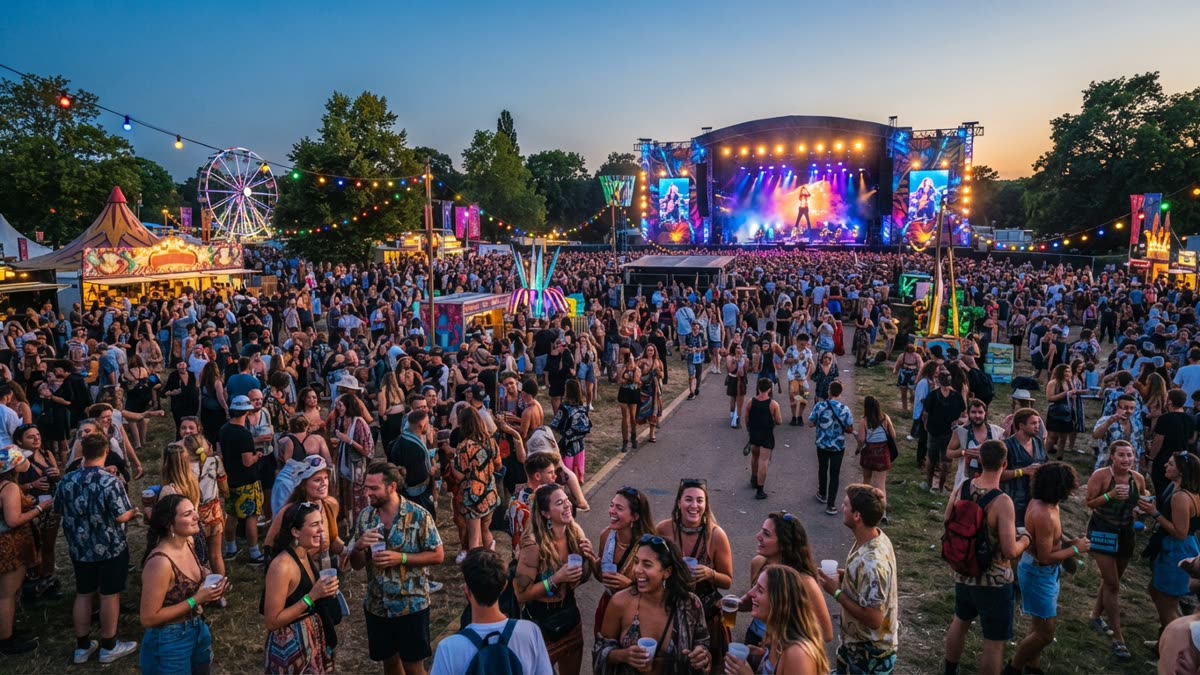
Start with what people actually remember
Ask colleagues about the best company party they attended and they rarely mention the budget. They mention a moment: someone from another floor who turned out to be funny, a manager who sang badly and did not mind, a game that got a whole table laughing. The practical lesson is that memorable parties are built around a few shared moments, not a long list of activities.
Before you book anything, decide what the party is for. Thanking people after a hard year, welcoming new hires, bringing remote staff together in person and simply marking the end of the year all call for different choices. A party that tries to do all of them usually does none of them well.
Three things that tend to matter most
- Mixing. People sit with their own team by default. Anything that nudges them toward someone new, such as assigned tables for part of the night or an activity that pairs people up, makes the evening feel different from a normal workday.
- Comfort. Good food, seats for people who want them, a volume level where you can still talk, and a clear start and end time.
- Low pressure. People enjoy themselves more when joining in is a choice. Forced fun is the most common reason a party is remembered for the wrong reasons.
Make it easy to join in and easy to opt out
A company party has a mixed audience by definition. Some people love a dance floor, some would rather talk in a corner, some do not drink, some have family commitments that shorten their evening, and some are meeting colleagues in person for the first time. Planning for that range is more useful than planning for the most outgoing people in the room.
- Offer more than one way to take part. A dance floor, a quieter lounge area and a table activity give people options without singling anyone out.
- Include non-drinkers properly. A real alcohol-free menu, not just water and a soda, signals that the party is for everyone.
- Check access and food needs early. Step-free entry, seating, dietary requirements and quiet space are easier to arrange in advance than to fix on the night.
- Keep speeches and awards short. One leader saying thanks sincerely beats a long program. Be careful with awards that rank or embarrass people.
- Think about remote staff. If some colleagues cannot attend, a simple way to share the evening afterwards can help them feel included.
None of this is glamorous, but it is where most parties are won or lost.
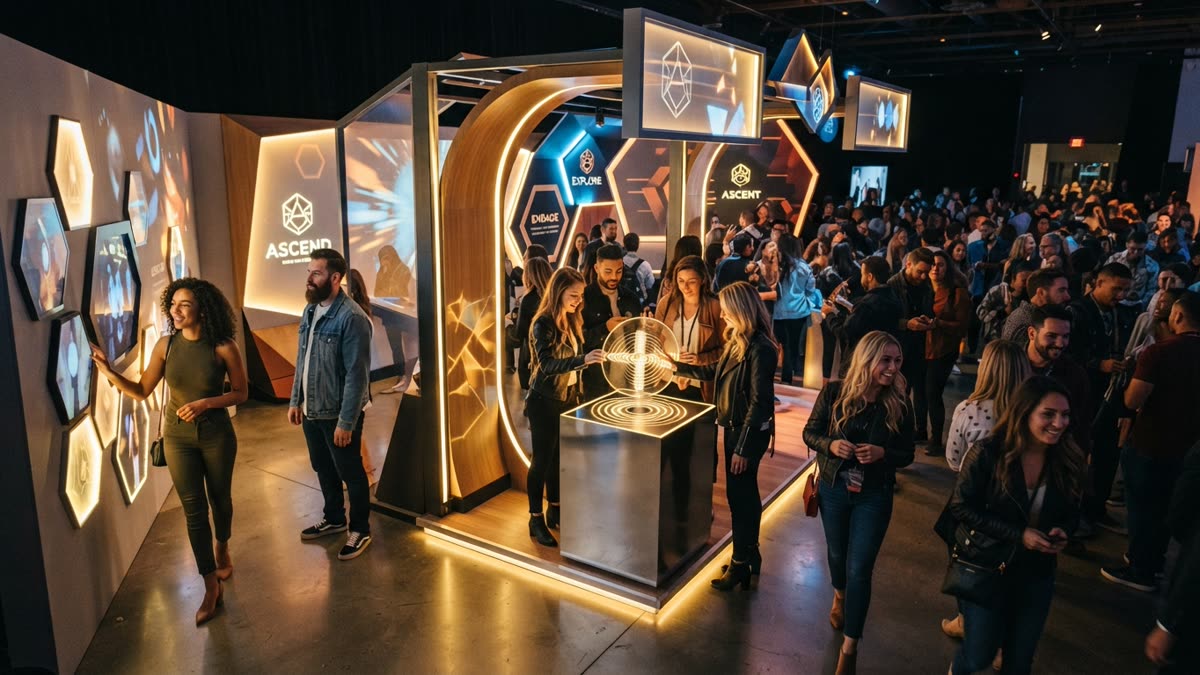
Food, music and a loose schedule
Food is the anchor of the night. People stay longer, talk more and relax faster when there is plenty of it and it arrives without long queues. Whether you choose a seated dinner, stations or passed food depends on the room and the culture of your company, but avoid a setup where people stand hungry while waiting for a program to begin.
Music works best when it changes with the evening. Keep it low enough for conversation during arrival and the meal, then raise the energy later for the people who want to dance. A playlist built with input from staff is often better than one chosen by the planner alone.
A simple shape for the evening
- Arrival with drinks and an easy first activity so nobody stands alone.
- Food, with a short thank-you from a leader.
- One shared moment that the whole room can see, such as a group activity, a reveal or a performance.
- Open time for dancing, talking or leaving when people want to.
- A clear ending so the party stops while people are still enjoying it.
Leave gaps. A schedule packed from start to finish leaves no room for the unplanned conversations that people tend to remember.
Where a personalised dance video fits
One option for the shared moment, or for the open time, is a personalised dance clip. We make SnapDance, so weigh this section with that in mind. The consumer app works like this: you upload one photo of yourself, pick a dance from a library of templates based on real choreography (many from TikTok creators), optionally pick music, and the AI renders a short clip of you doing that dance. Clips are typically 10 seconds, with 20 and 30 second lengths on some dances. Rendering takes a few minutes.
The limits are worth stating plainly. You cannot ask for an arbitrary movement. If a dance is not in the library, the answer is no. The result is a short, light novelty, not a replacement for a real performance, and some people will simply not want to see themselves dancing, which is fine.
New accounts get free credits before any payment. Free renders carry a small watermark, while paid credits and a subscription render clean. The app is available on iOS and Google Play. If you are the organiser, it is worth making one clip of yourself before deciding whether the idea suits your team.
Want to see what your own clip looks like before you plan anything? Try the app with free credits.
Using the app yourself is a good test, but it is not the right tool for a whole room. Each person would need to install it, upload a photo and wait for a render, which is not how people behave at a party. That is the gap the events product was built for.

Before: one guest photo
After: the video made from that photo
Running dance videos at the party itself
The SnapDance events product is made for planners, DJs, photo booth operators and venues. Guests scan a QR code, take or upload one photo, pick a dance and get their own video on their phone. A venue screen can play the videos as they finish, which turns individual clips into something the room shares. The planner's logo and text can be placed on every video, and photos go through a moderation check before rendering.
There is also a surprise mode. Staff photograph attendees, and the videos are revealed together in a coordinated moment. That suits a party where you want a single big reveal instead of guests drifting to a QR code at different times.
There is no hardware, no transport and no operator. Pricing is per video, not per hour, so you pay for what guests actually make instead of how long someone stands at a station. These are the published packages:
| Package | Videos included | Price |
|---|---|---|
| Mini Event | 25 | $149 |
| Intimate Event | 50 | $299 |
| Signature Event | 150 | $699 ($4.66 per video) |
| Large Events & Activations | Custom | Custom quote |
Extra video packs exist, but they are not priced publicly, so ask rather than assume. For a company of any size, count how many people are likely to take part, not how many are invited, since not everyone will want a clip.
Planning a party for a whole team and want videos at the venue? See the events product.
When this is the wrong choice
Dance videos are not right for every party, and it is better to know that before you spend anything.
- Weak connectivity. The events product depends on the venue's connection. A basement venue or a rural site with bad reception is a bad fit.
- Nobody announces it. This is the other thing that goes wrong on the night. A QR code on a table with no explanation gets ignored. Someone, whether the host, the DJ or a leader, needs to tell guests what it is and why they might try it.
- A culture that dislikes novelty. If your team would find it awkward, a quiet conversation-friendly format will serve you better.
- You need specific choreography. The dances come from a fixed library. If you want your own routine or a particular movement, this will not deliver it.
- Concerns about photos. Tell staff in advance that participation is optional and how photos are used. Moderation checks photos before rendering, but consent is still your responsibility as the organiser.
If any of these describe your party, spend the budget on food, a good playlist and a thoughtful room layout instead.
How it compares with other party add-ons
Every add-on has trade-offs. This table is a general comparison, not a ranking, and your venue and team will change the answer.
| Option | What guests do | What you need on site | Most common problem |
|---|---|---|---|
| Photo booth with an operator | Pose for photos or short clips | Hardware, floor space, usually an operator | A queue forms and a few people dominate it |
| Karaoke or live games | Perform or compete in front of the room | Equipment and a confident host | Shy guests stay out of it |
| Table activities such as trivia | Work in small groups | Materials and a facilitator | Can feel like work to some people |
| SnapDance events product | Scan a QR code, upload one photo, pick a dance, get a video on their phone | Venue connectivity, and a screen if you want a live display | Poor reception, and guests not knowing it exists unless someone announces it |
Many good parties use two of these, not one. A table activity during the meal and a lighter option later in the evening gives people choices without overloading the schedule.
A short planning checklist
Whatever you choose, these steps keep the party on track.
- Write down the purpose of the party in one sentence and check every decision against it.
- Choose a venue with step-free access, a good layout and, if you plan any phone-based activity, reliable reception. Test it on site.
- Plan food and drinks that cover dietary needs and non-drinkers.
- Pick one or two shared moments and leave the rest of the evening open.
- Make every activity optional and tell staff beforehand what to expect.
- Name one person who owns the night, including any announcements.
- Decide how you will share the evening with colleagues who could not attend.
- Ask for feedback afterwards while the details are fresh.
The party people remember is usually the one where they felt comfortable, fed and included, with one or two moments they still mention months later.
Questions people ask
How do I make a company holiday party fun if half the team is shy?
Make participation optional and offer several ways to take part. Combine a quiet area, table activities and a dance floor so shy people can choose their level. Mix seating for part of the night and keep speeches short. Low-pressure activities that people can do on their own phones also help, because nobody has to perform in front of the room.
What are good low-pressure activities for an office holiday party?
Table trivia, small group games, a good food setup and an optional photo or video activity all work. The common thread is that nobody is put on the spot. Guests choose whether to join and can leave an activity without drawing attention.
Can employees make AI dance videos at a company party?
Yes. With the SnapDance events product, guests scan a QR code, take or upload one photo, pick a dance from the library and get their own video on their phone. A venue screen can play the videos as they finish. It needs reliable venue connectivity and someone to tell guests about it.
How much does it cost to add dance videos to a company holiday party?
Pricing is per video, not per hour. The published packages are Mini Event at $149 for 25 videos, Intimate Event at $299 for 50 and Signature Event at $699 for 150 videos, which works out to $4.66 per video. Large events get a custom quote. Extra video packs exist but are not priced publicly.
What can go wrong with AI dance videos at an office event?
The two main problems are poor venue reception and guests not knowing the activity exists. Someone needs to announce it. It is also limited to the dances in the library, so you cannot request a specific movement, and staff should know in advance that taking part is optional.
Do I need special equipment to run dance videos at a party?
No. The events product has no hardware, no transport and no operator. Guests use their own phones through a QR code. If you want videos shown live, you need a venue screen, and you need a connection that works throughout the room.