How to redeem a promo code
A promo code adds free dance credits to your SnapDance account. You need to be signed in to redeem one, because the credits go on your account. It takes about a minute.
In the SnapDance app (iPhone and Android)
On a new install the app starts with a short intro and then a Become Pro screen. You don't need to buy anything to use a promo code: skip that screen and go to your Profile.
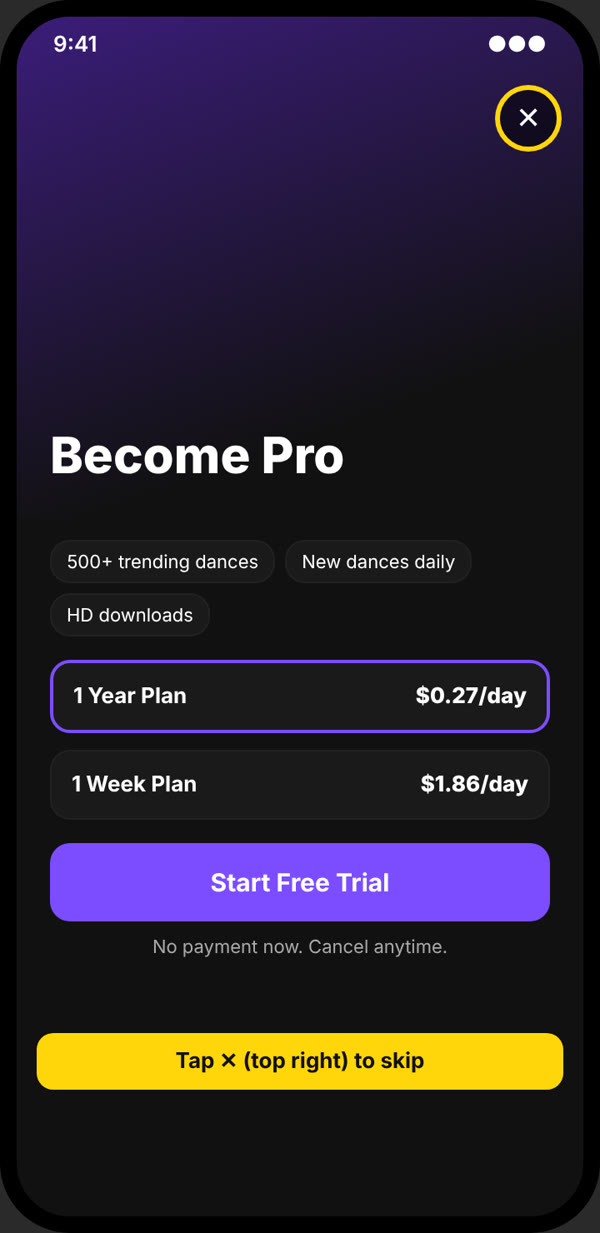
Skip the Become Pro screen
Tap the ✕ in the top right corner. You don't have to start a trial or buy a plan.
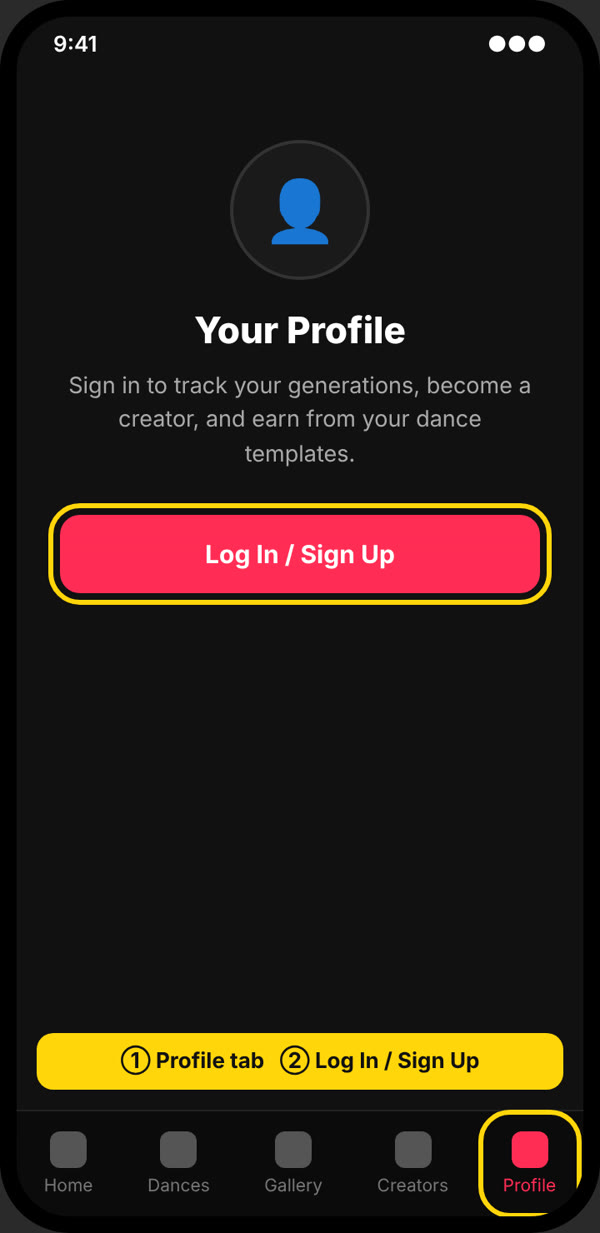
Open the Profile tab
Tap Profile in the bottom bar, then Log In / Sign Up.
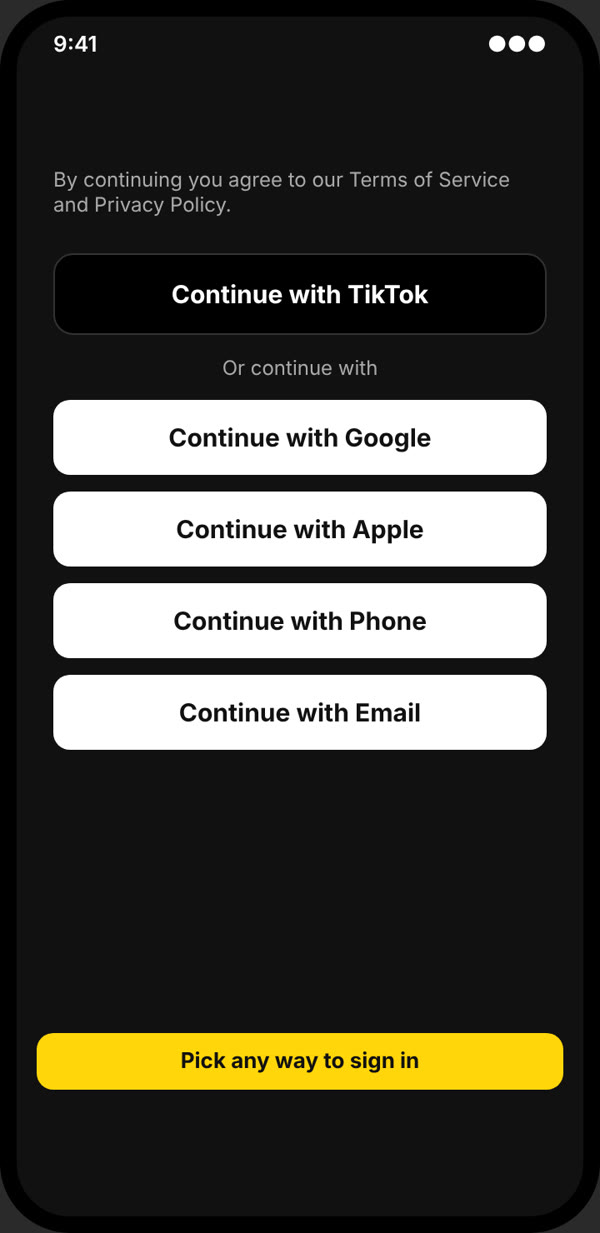
Sign in or create an account
Pick any option: Google, Apple, Phone, Email or TikTok. A new account is free. If Become Pro shows up again after signing up, tap ✕ again.
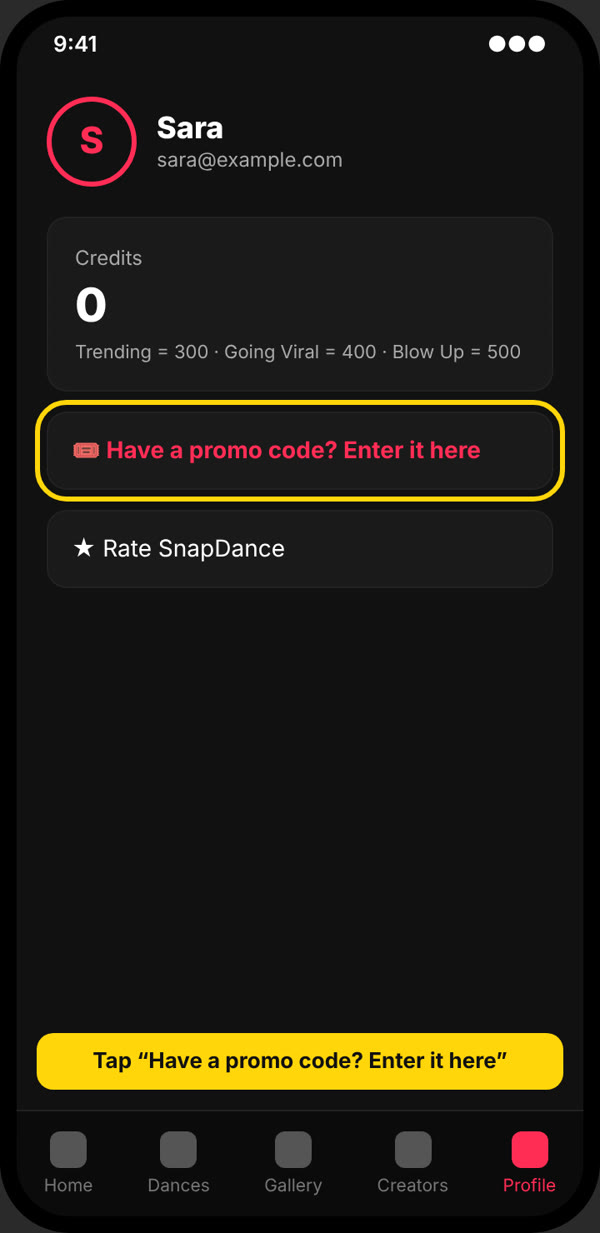
Go back to Profile and tap “Have a promo code? Enter it here”
After signing in the app opens the Dances tab. Tap Profile in the bottom bar again; the promo row is just under your credits.
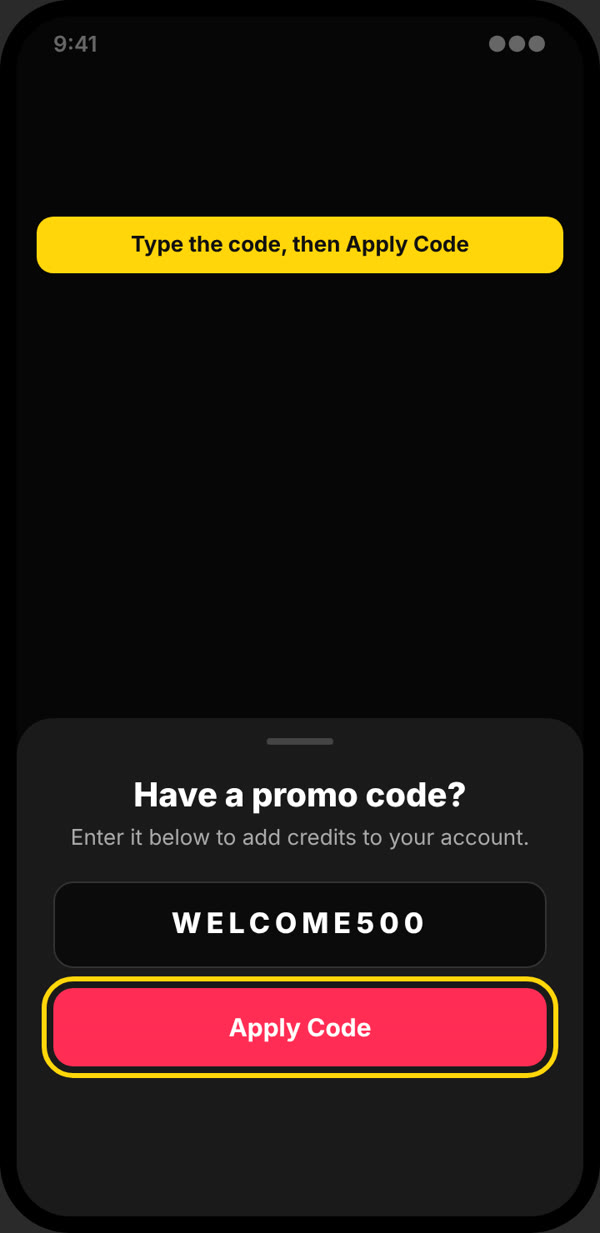
Type the code and tap Apply Code
Type the code exactly as you received it. Capital letters are added for you.
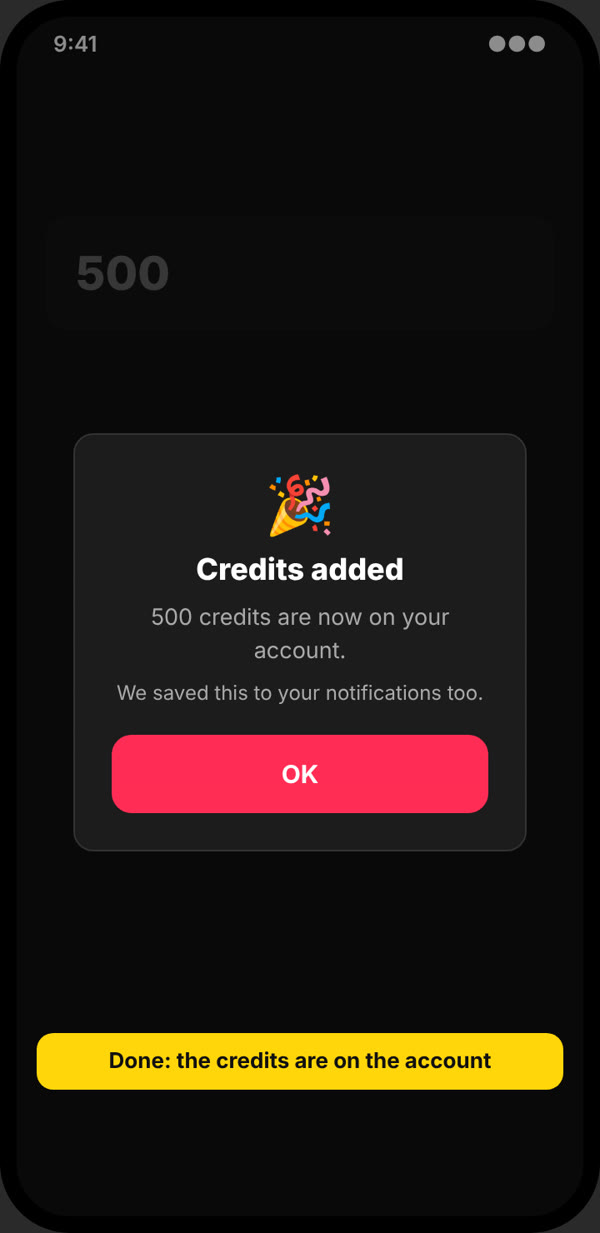
Your credits are added
You'll see Credits added, and the credits show on your Profile right away. A copy of the message also goes to your notifications.
Tip: if you see a Have a promo code? link on the Become Pro screen, you can tap that too. The app asks you to sign in first, then opens the promo box on Profile for you.
The app screens above are illustrations; the look on your phone may differ slightly.
On the website
Works in any browser, on a phone or a computer.
Watch it (30 seconds).
The whole flow on a phone browser, from the pricing page to the credits on your Profile.
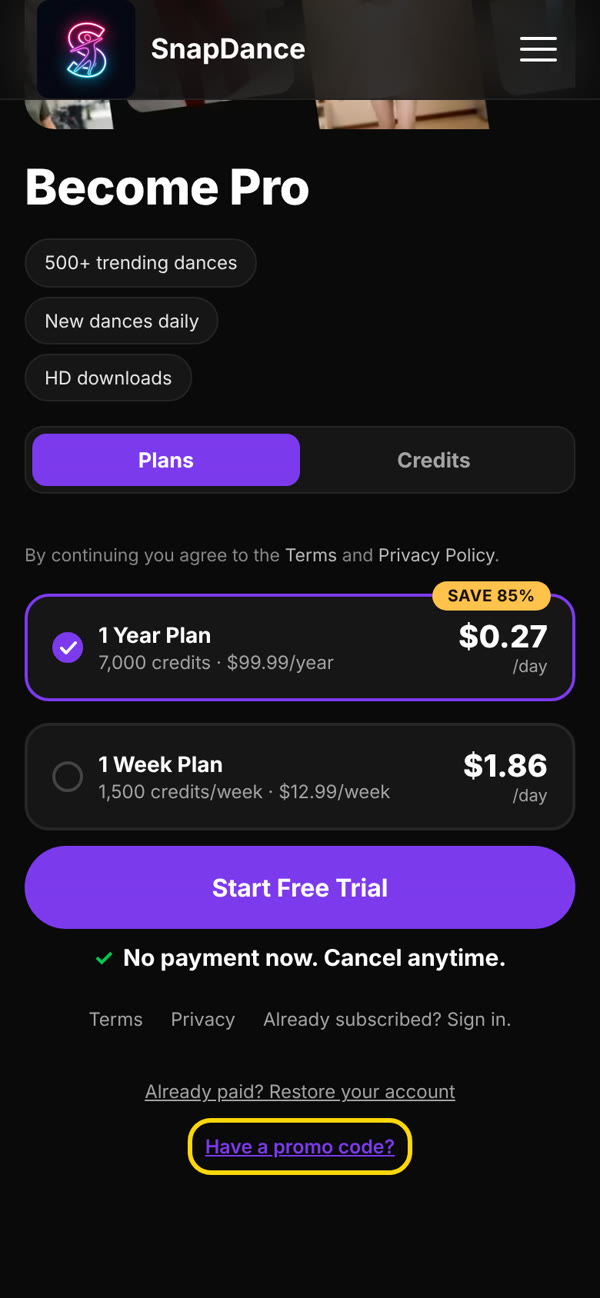
Find “Have a promo code?”
At the bottom of the pricing page, tap Have a promo code?. If you're already signed in, you can go straight to your Profile and skip to step 3.
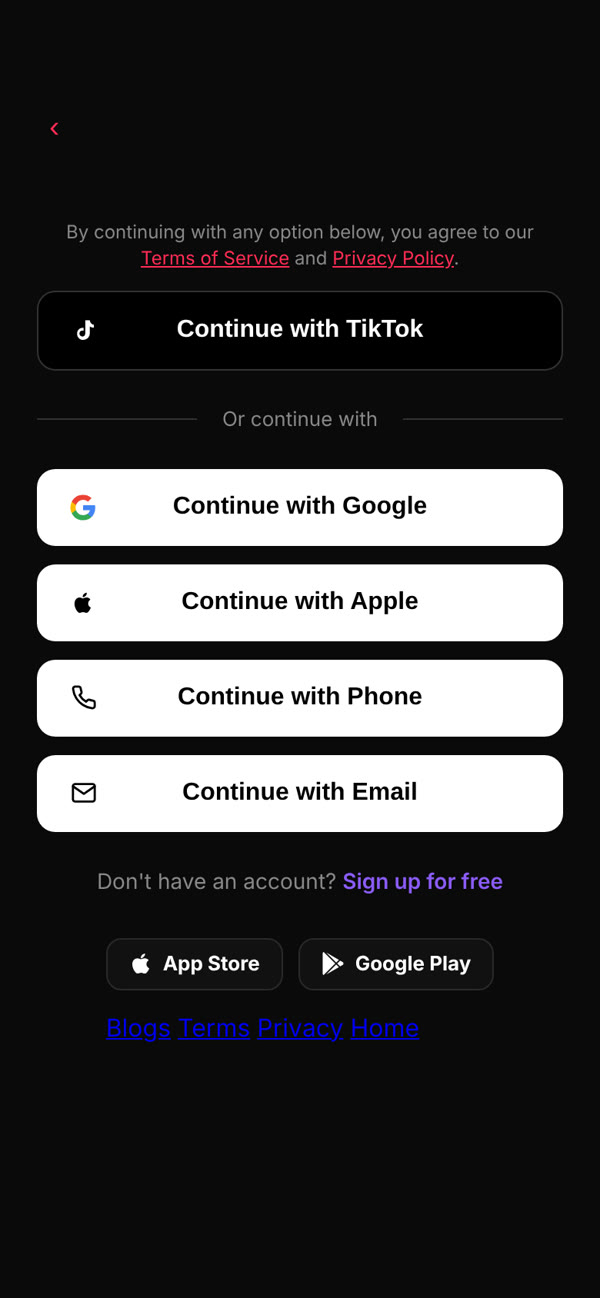
Sign in
If you aren't signed in yet, you'll be asked to. Pick any option. After signing in you land on your Profile.
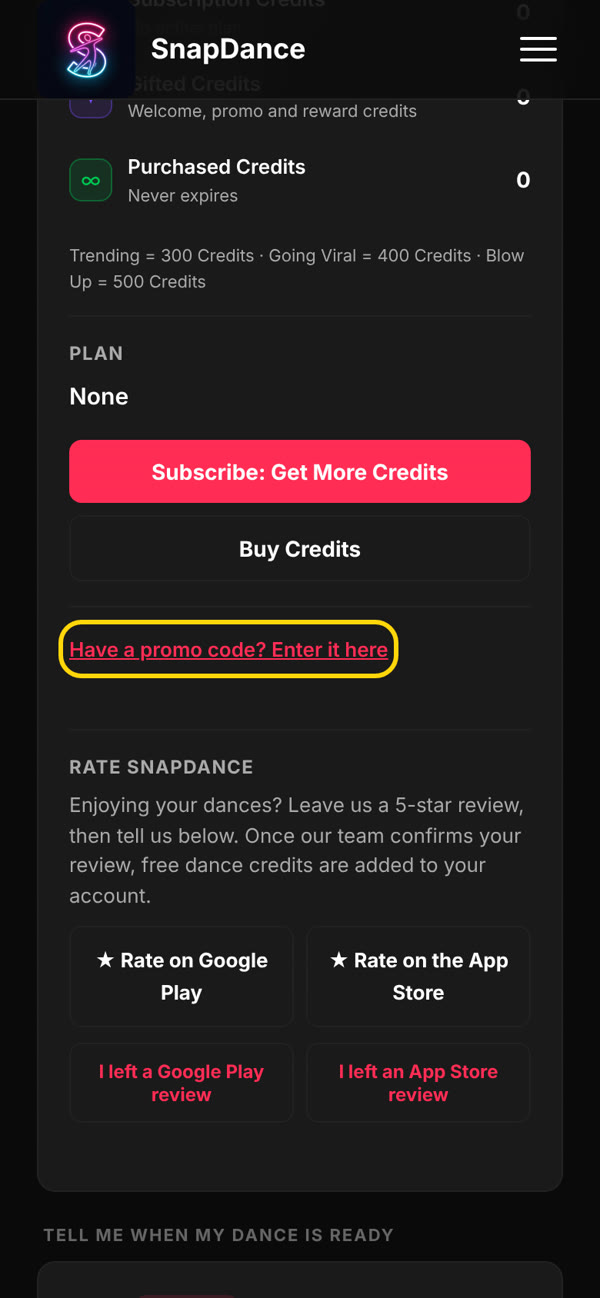
Open the promo box
On Profile, under Subscription & Billing, tap Have a promo code? Enter it here. If you came from the pricing page, it's already open.
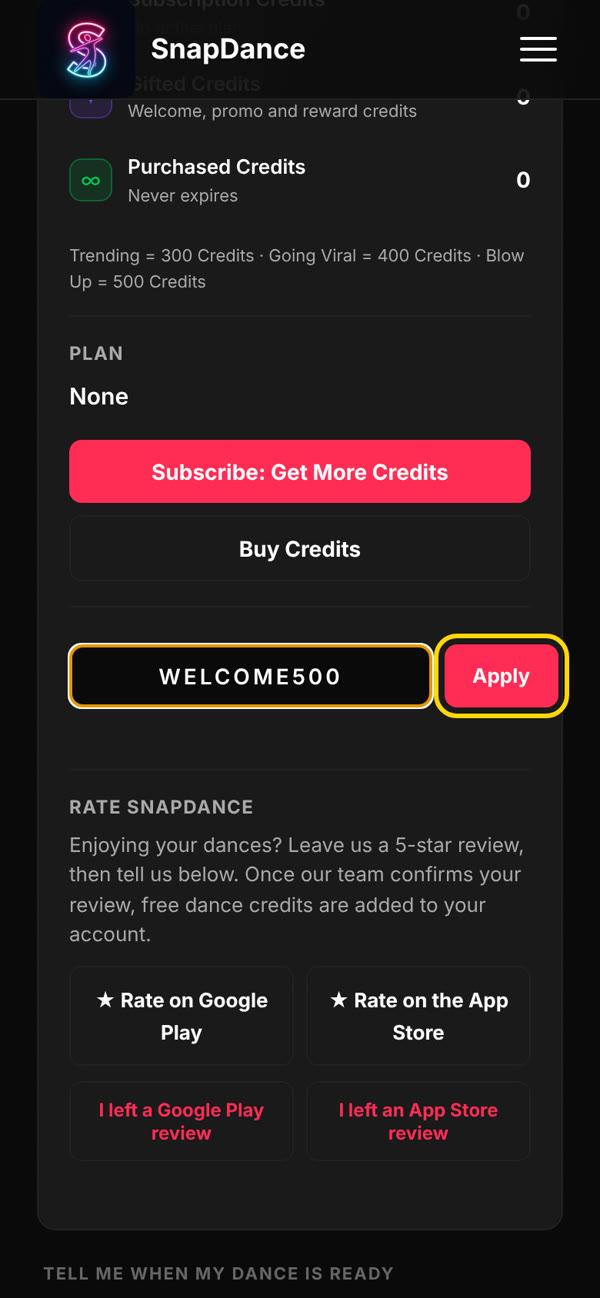
Type the code and tap Apply
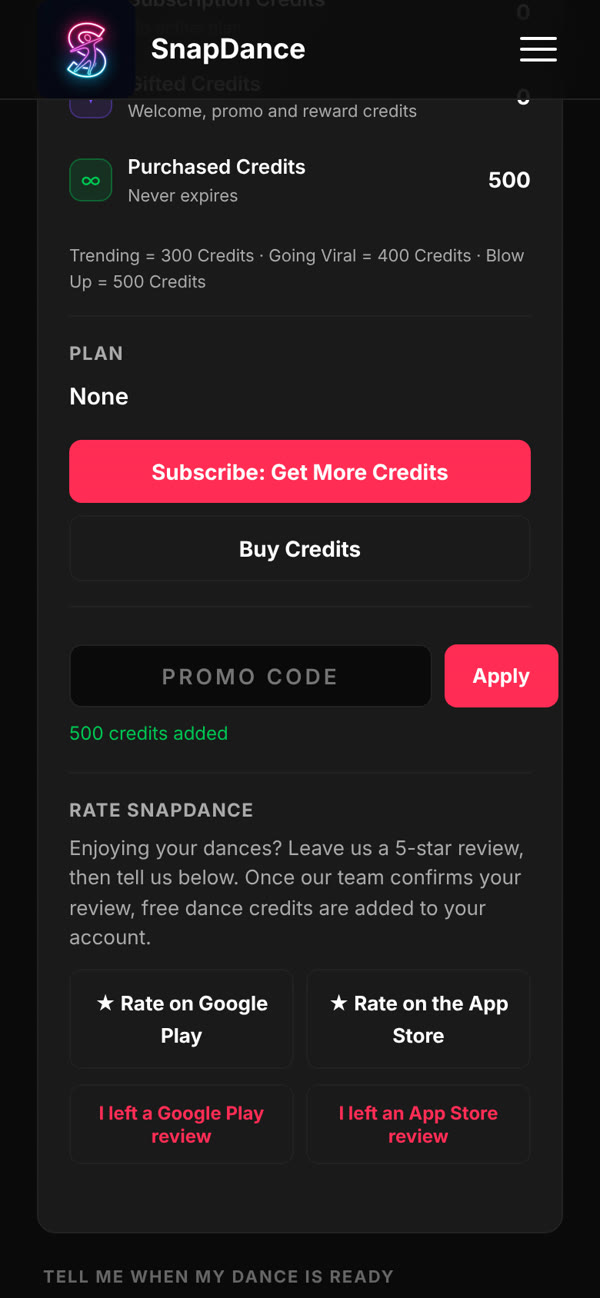
Done
A green message confirms the credits, for example 500 credits added.
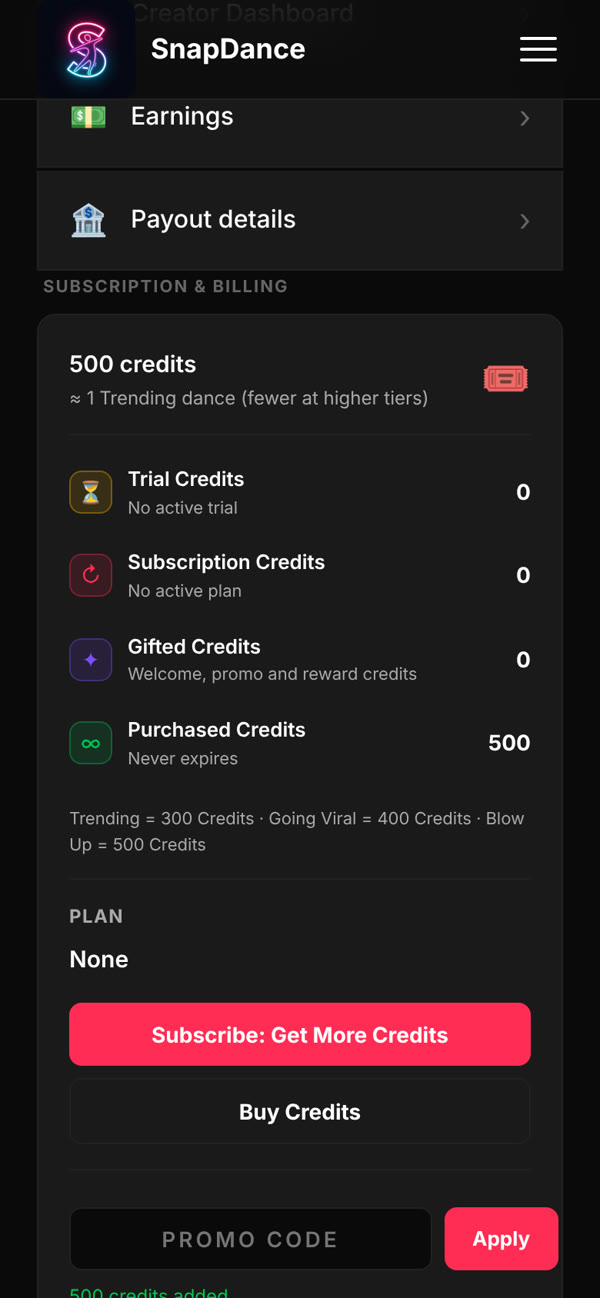
Check your credits
Your total goes up straight away. Promo credits are listed under Gifted Credits or Purchased Credits, depending on the code. Neither type expires.
If a code doesn't work: check the spelling. Each code works once per account, and a code can expire or run out of uses. If none of these is the problem, email support@snapdance.app with the code and the email address you signed in with.